Source Video
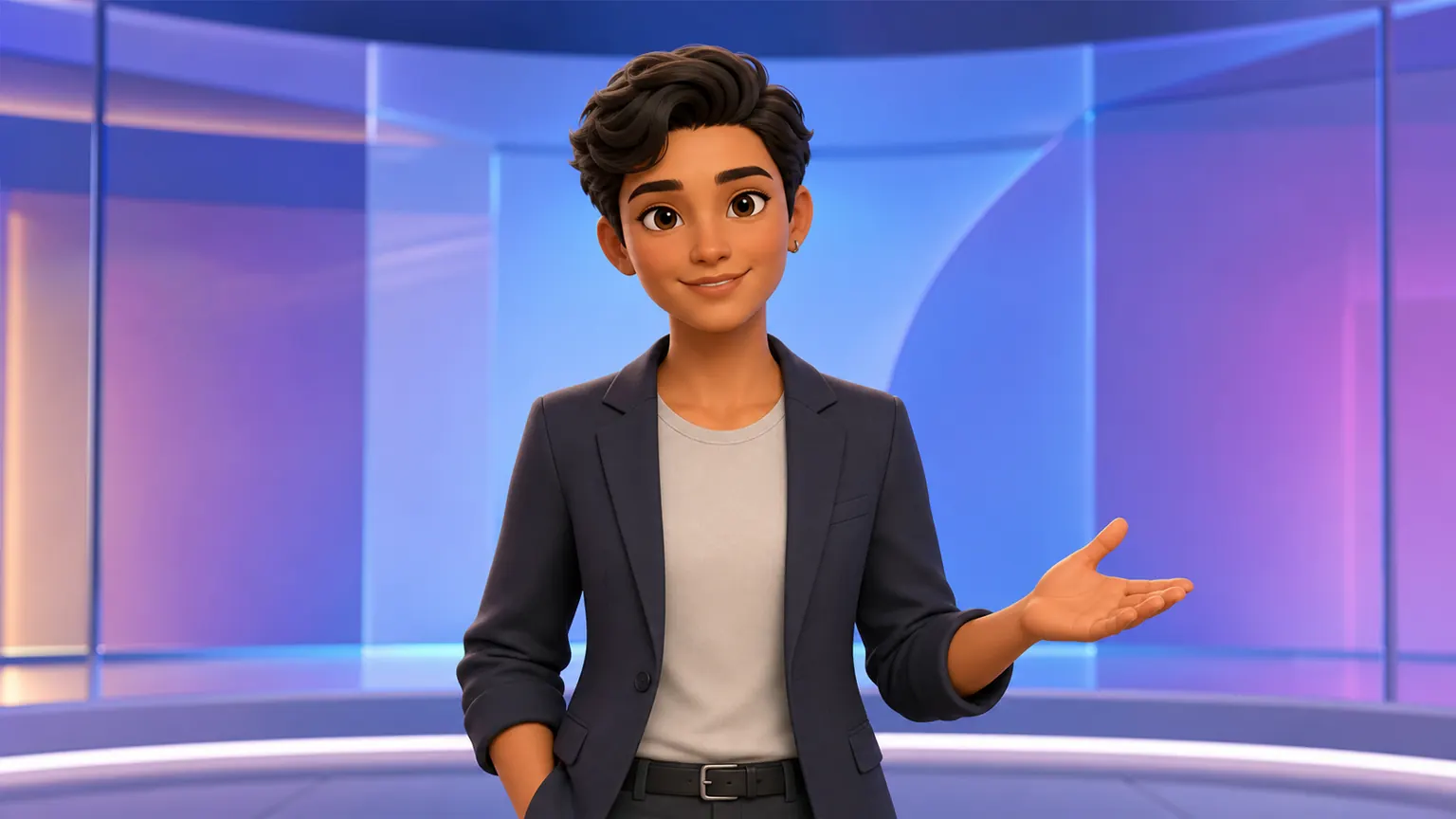 Character Reference
Kling 3.016:9
Avatar Transform
Turn a talking-head video into an animated host while keeping the gesture.

Loading
Detailed Preview
Login to generate and view your high-quality AI videos.
Try video to video AI for free, no credit card required. Upload an existing clip, describe the style or edit you want, and quickly create a new AI video without reshooting while preserving the original motion, timing, and camera structure.
Compare video to video models by edit type, from multi-reference changes and quick revisions to cinematic motion and motion-preserving restyles. Review control, speed, resolution, duration, and credits before you generate.
 Seedance 2.5Longer source-video transformations and multimodal creative control.Seedance 2.0Multi-reference video transformation, branded variations, and audio-aware creative workflows.Seedance 2.0 FastFaster video restyles and source-footage variations.Seedance 2.0 MiniLower-cost video transformations and quick creative tests.
 HappyHorseSimple video edits, quick creative treatments, and turning source clips into fresh variations.
 Wan 2.7Targeted edits, product revisions, and style changes with a source video.Wan 2.6Motion-preserving restyles, source video transformation, and controlled visual remixes.
 MiniMax H32K video restyles, cinematic revisions, and prompt-guided source clip edits.
 Kling 3.0Motion-focused transformations and camera-aware video edits.kling-2-6-motion-controlLower-cost motion-guided edits and source-footage transformations.wan-2-2-animate-moveObject movement and localized animation edits.wan-2-2-animate-replaceSubject replacement, localized animation edits, and controlled object changes.
 Topaz Video UpscaleVideo upscaling and quality enhancement.
See how one source clip can become a cinematic restyle, product refresh, social variation, scene mood change, or creative remix. Each example shows what to preserve, what to change, and which video to video model settings fit the edit.
Character ReferenceTurn a talking-head video into an animated host while keeping the gesture.
FluxArt helps you turn existing footage into new video versions without reshooting. Preserve the motion, timing, and camera structure that already work, guide targeted edits with a prompt, compare model options, and see credits before you generate.
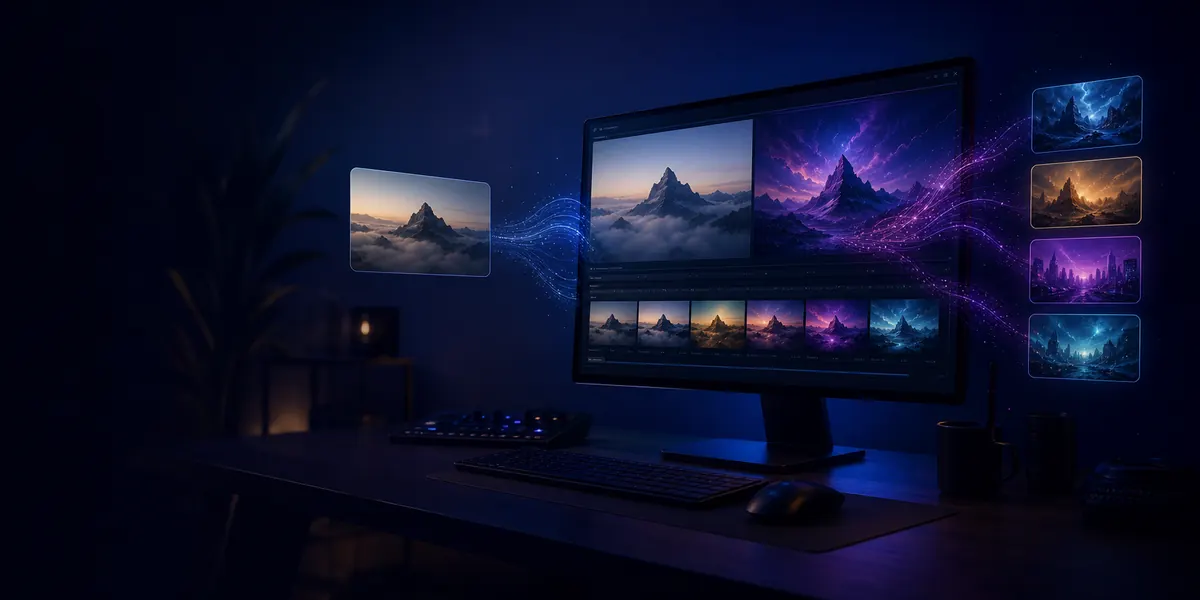
Start with footage you already have and create new styles, scenes, or campaign versions without filming again.
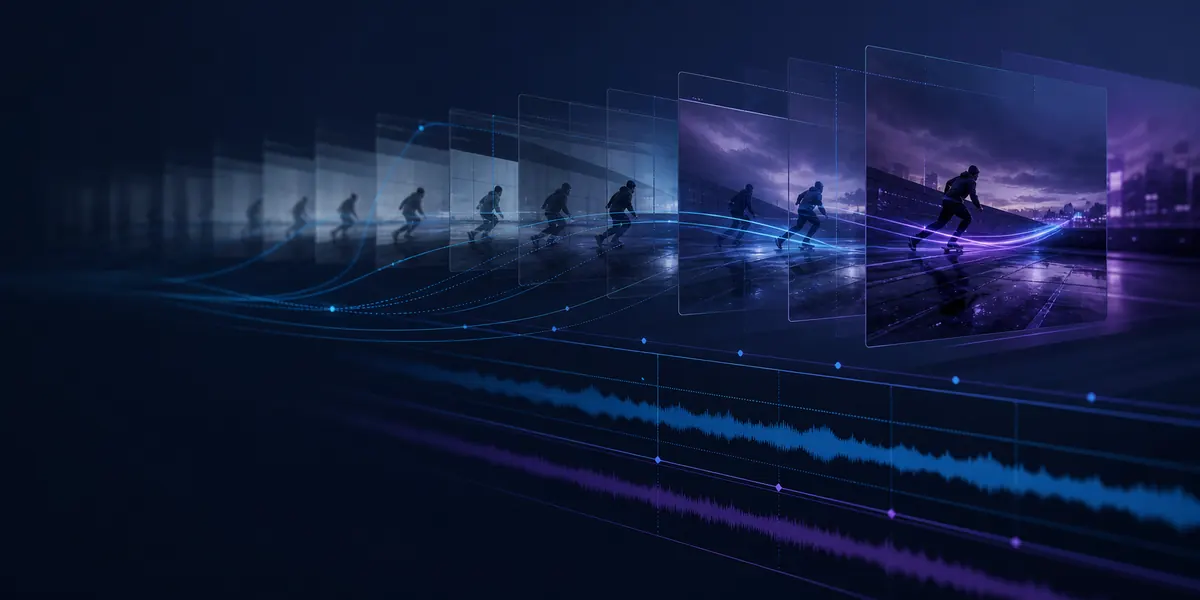
Keep the action, camera movement, rhythm, and composition that make the original clip useful.
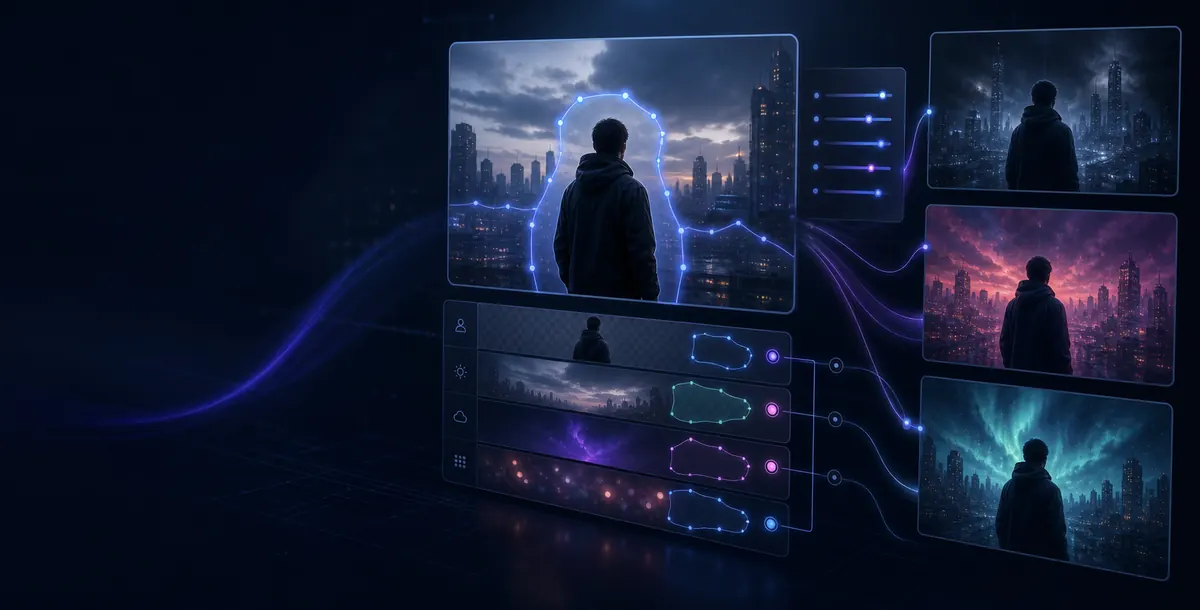
Restyle footage, change lighting, refresh backgrounds, adjust mood, or guide subject treatment with simple prompts.
Review model, duration, resolution, and estimated credits upfront so each test fits your budget.
Turn one source clip into publish-ready variations for social posts, product ads, cinematic previews, brand campaigns, and creative reviews. Keep the useful motion from your footage, then change the style, setting, mood, or visual treatment for each new version.
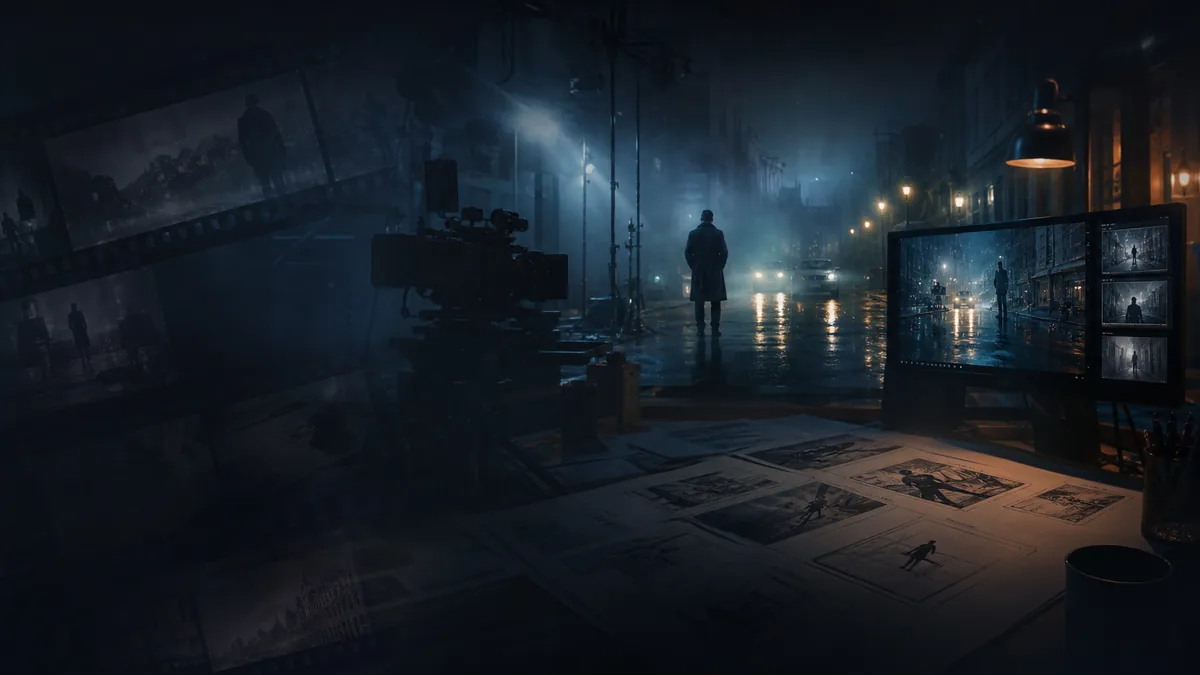
Transform everyday footage into cinematic, anime, clay, 3D, retro, or branded visual styles while preserving the original action and camera rhythm.
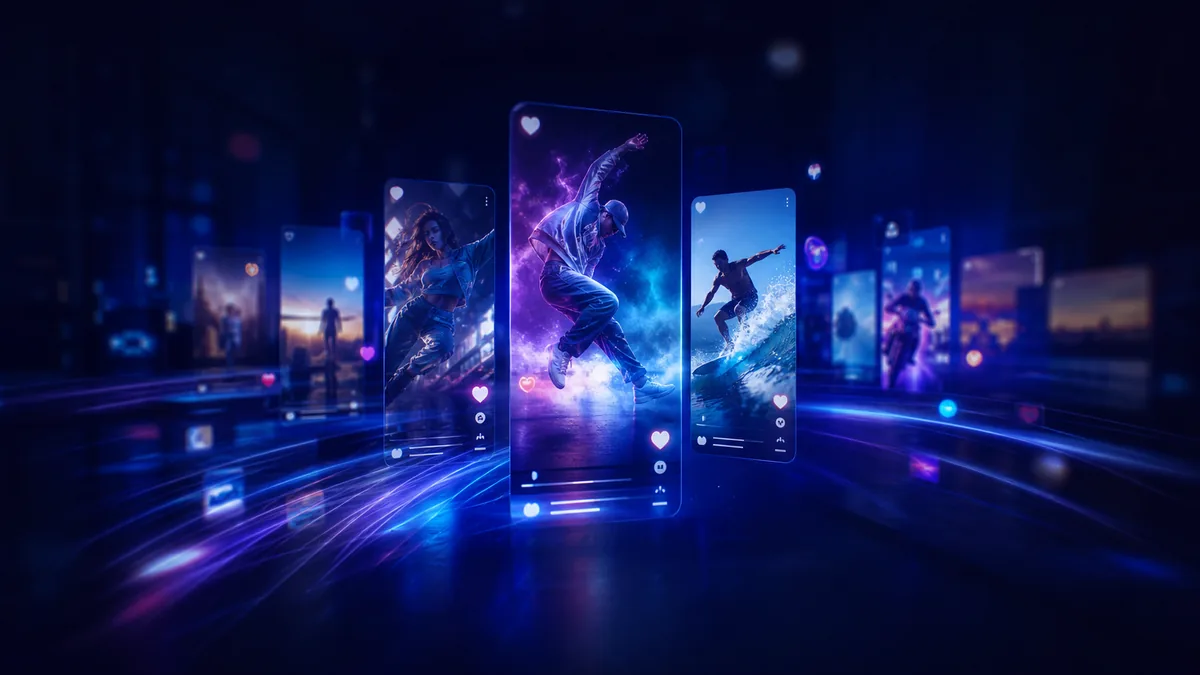
Create fresh versions of existing clips for TikTok, Instagram Reels, YouTube Shorts, and fast content testing across different looks and moods.
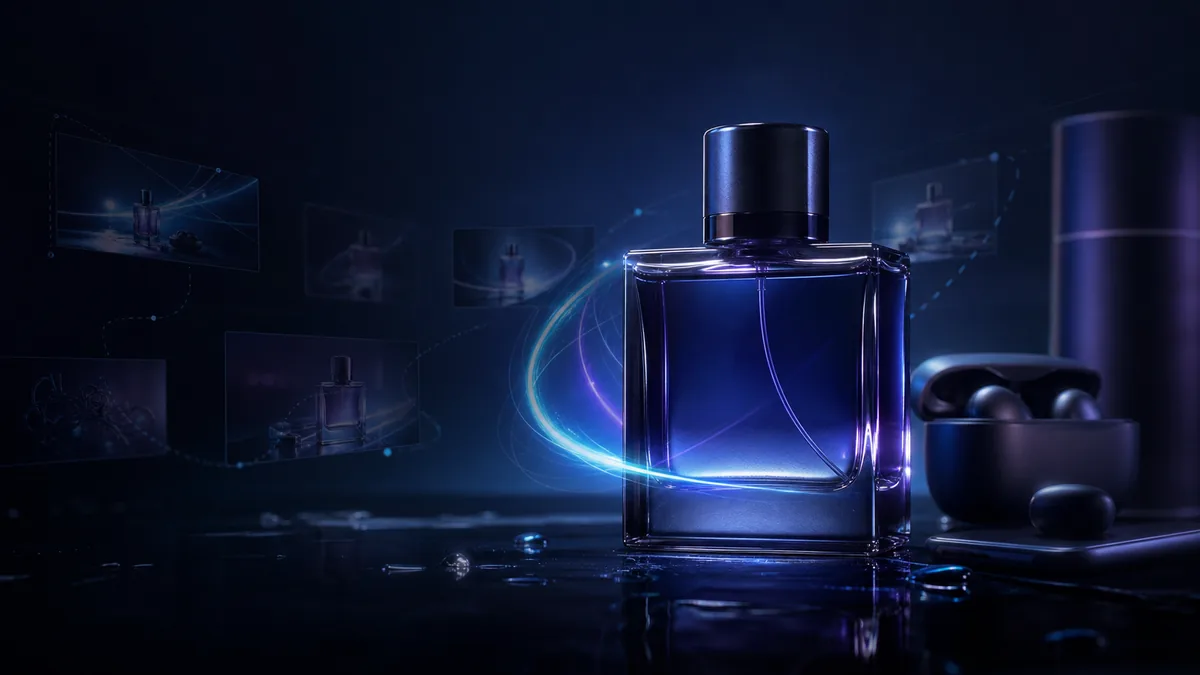
Update product footage with new backgrounds, lighting, seasons, campaign themes, or premium studio styling without reshooting the product.
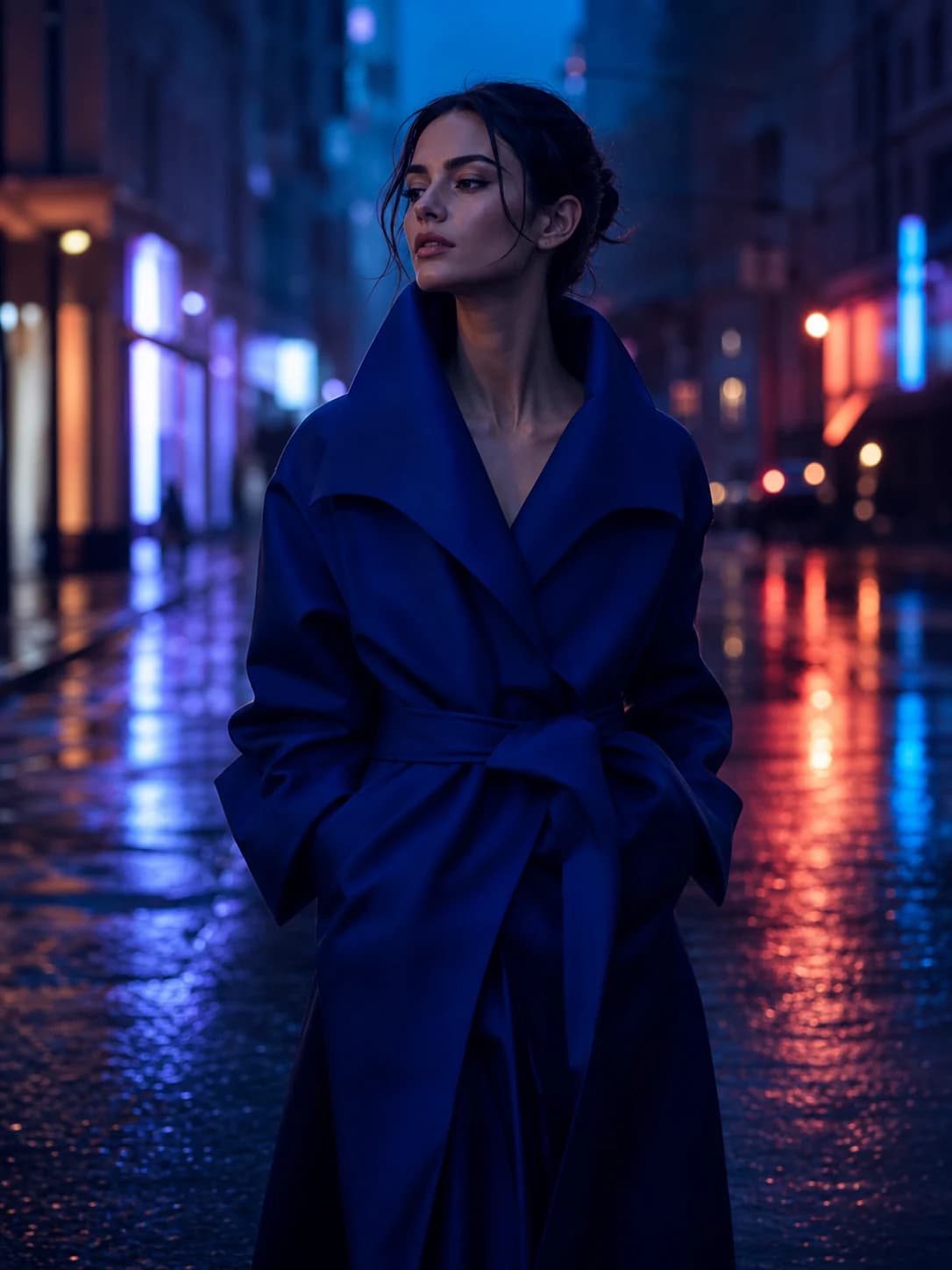
Restyle people, outfits, portraits, and brand clips with editorial, street, luxury, futuristic, or seasonal visual direction.
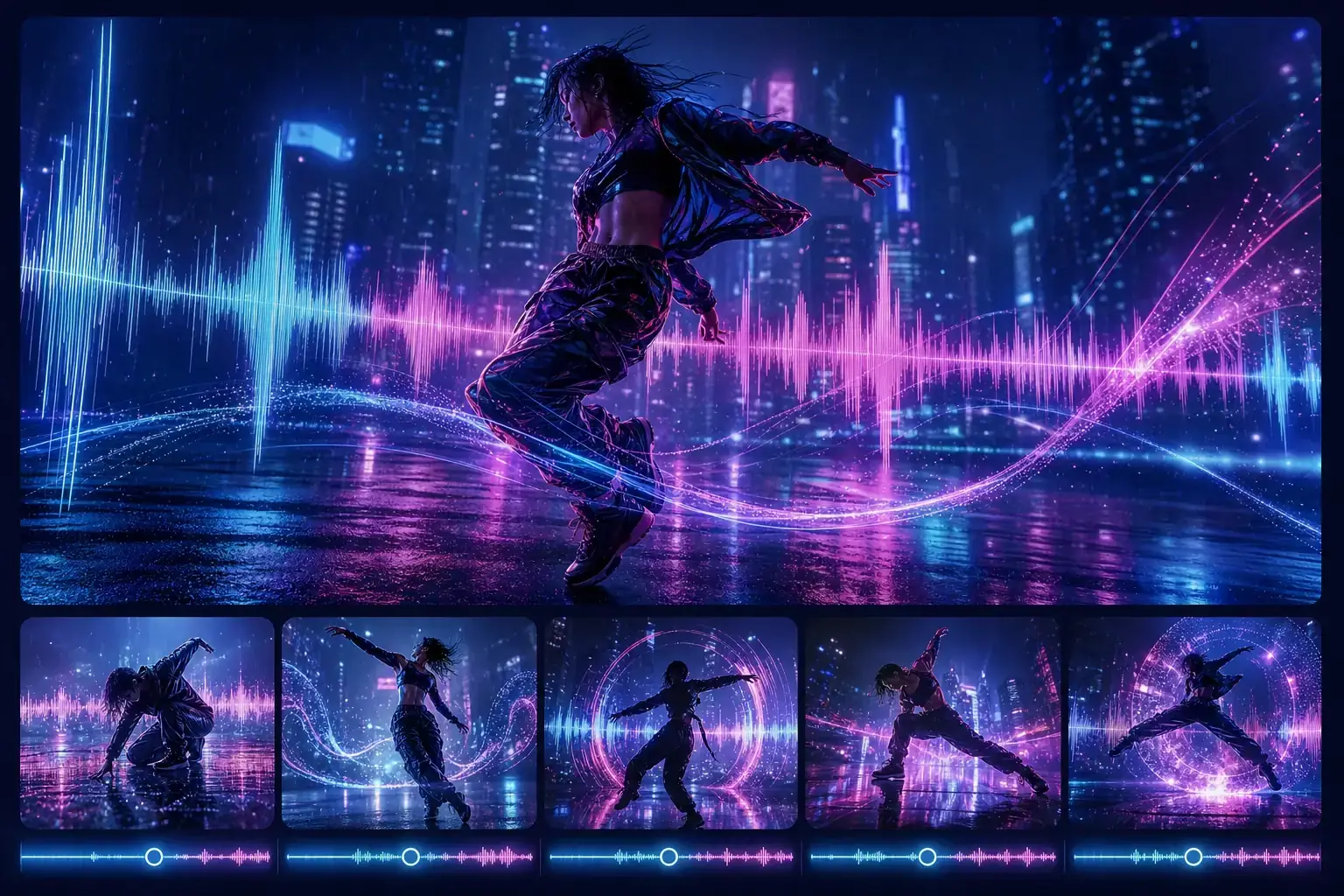
Use rough footage or test shots as motion references, then generate polished variations for storyboards, pitches, and client reviews.
Upload a source video, tell FluxArt what to change, then generate a new version that keeps the motion you want and updates the look, mood, or scene.
Start with a short, clear clip that has the motion, subject, camera angle, or timing you want to keep.
Write what should stay the same and what should change, such as style, lighting, background, color, or mood.
Choose the model, duration, and resolution, review the credits, then generate, preview, refine, and download your best version.
Need help describing what should change? Read the AI video prompt guide.
Clear answers about free trials, source videos, prompts, motion preservation, credits, model settings, and commercial use.
Continue your AI video workflow in FluxArt. Start from one workspace, generate from prompts, or transform existing footage with focused AI video tools.
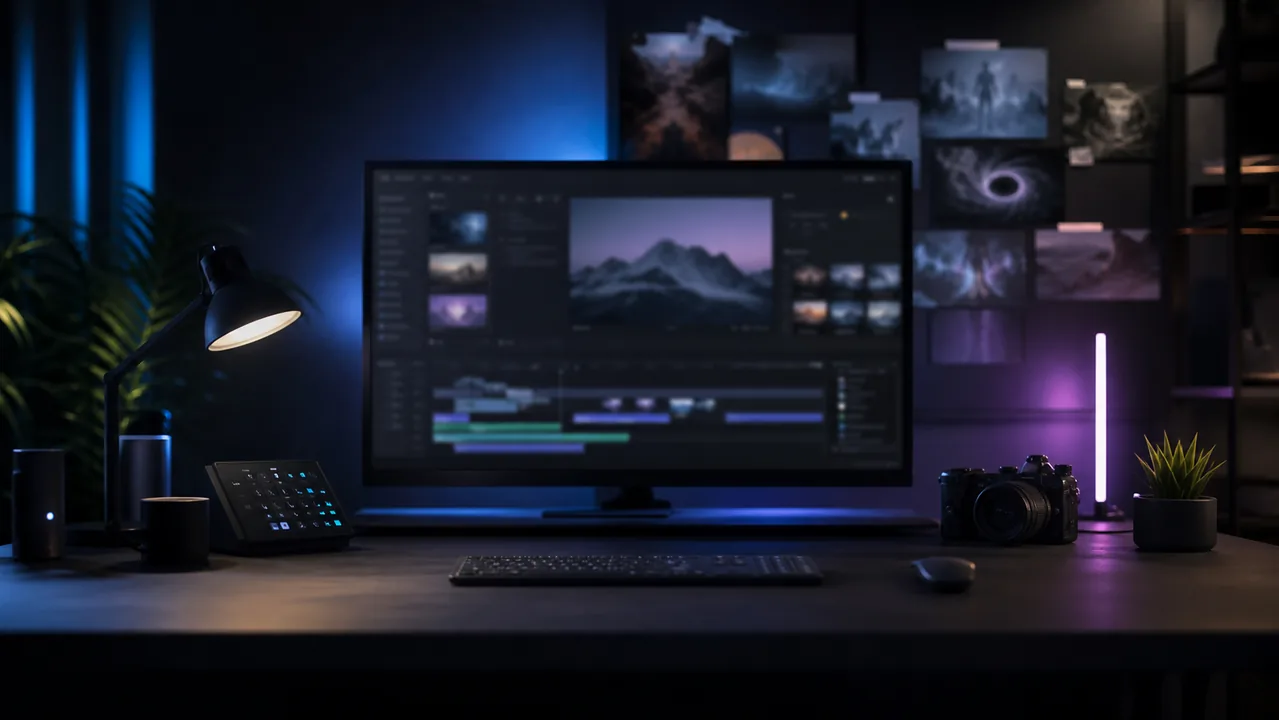
Create AI videos from text, images, references, and source footage in one flexible workspace.
Open AI Video Generator
Start from a prompt when you have an idea, script, product angle, or scene direction but no source video yet.
Try Text to Video
Upload a still image and turn it into a moving AI video with camera motion and style controls.
Try Image to Video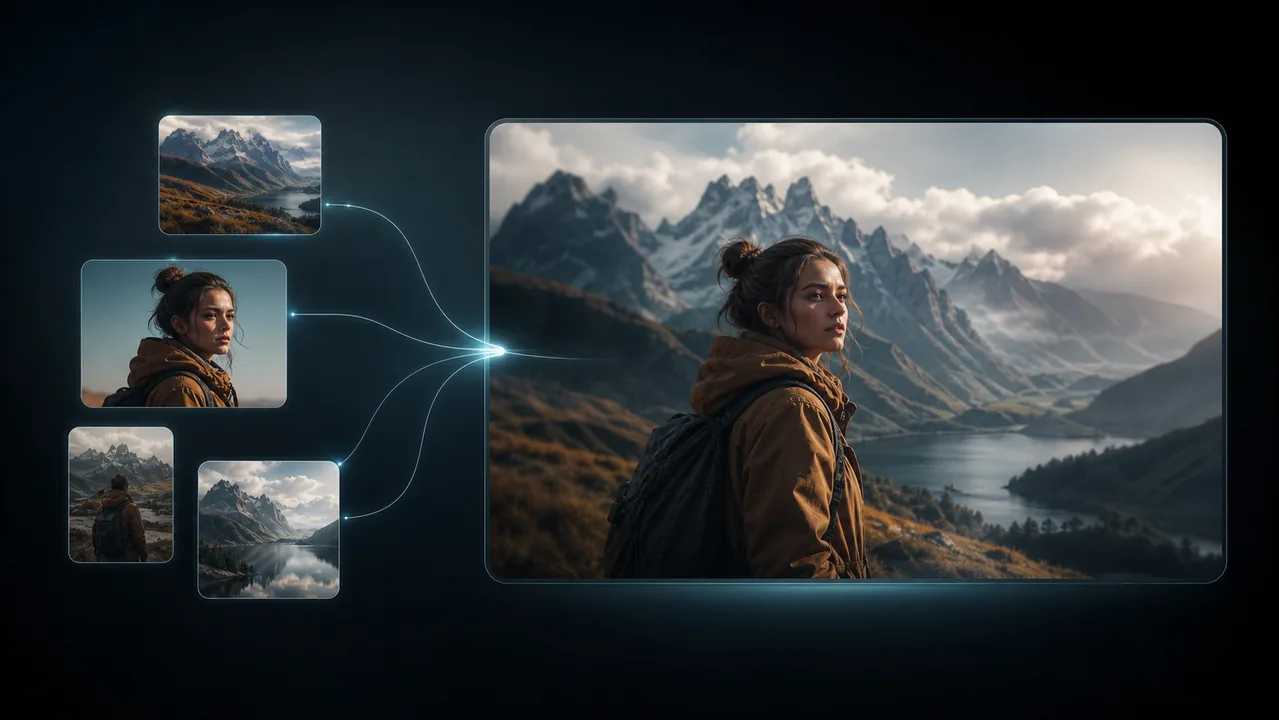
Use reference images to keep characters, products, objects, or styles consistent across motion.
Try Reference to Video
Replace a face in uploaded footage while preserving the original performance and motion.
Try Video Face SwapUpload a source video, describe the edit, and create a new version with free credits. No credit card required, and FluxArt shows the cost before you generate.
Start with free credits, then choose the plan that fits your video to video workflow. Review credits, model access, and generation volume before you scale.
Lite
约 134 个 Seedance 2.0 视频
2 个视频或 4 张图片并行任务
标准生成速度
包含常用视频模型
商业使用授权
无水印
AI 视频生成
高清视频生成
可随时取消
无折扣模型
Pro
约 460 个 Seedance 2.0 视频
6 个视频或 8 张图片并行任务
优先生成速度
包含常用和部分高级视频模型
无水印
商业使用授权
新模型提前体验
AI 视频生成
高清视频生成
包含折扣模型
可随时取消
折扣模型
Max
约 1,368 个 Seedance 2.0 视频
8 个视频或 8 张图片并行任务
最高优先级生成速度
可使用全部已发布视频模型
无水印
商业使用授权
优先支持,通常 24 小时内回复
高级功能提前体验
AI 视频生成
高清视频生成
包含折扣模型
可随时取消
折扣模型






适用税费、VAT 或 GST 会根据你的账单所在地在结账时计算。
订阅可随时取消。一次性积分包不会自动续费。