Source Video
 Target Face
Loading
Upload a source video and a target face to preview your inputs.
Replace a face in your video while preserving the original expressions and movement. Upload one short video and one clear face photo. No prompts or timeline editing required.
See how video face swap works for social clips, personalized greetings, and product videos. Compare the source video, target face, and final result.
Target FaceReplace the face while keeping the original performance. Upload a video and a face photo, then see the credit cost before you generate. No prompts or timeline editing.
Keep the replacement face recognizable across the clip with less flicker and fewer unexpected changes.
Keep the original expressions, movement, framing, timing, and available audio.
Upload one video and one clear face photo. No prompt writing or manual timeline editing.
Review the estimated credit cost before you start.
Clear, well-matched inputs help reduce blur, flicker, and distorted faces. Check your video and face photo before you generate.
Face Visibility
 Good Input
 Avoid
AvoidUpload a short video and a clear face photo. Confirm you have permission, review the credit cost, then generate and download your face swap.
Upload a 2–10 second MP4, MOV, or MKV video with one clearly visible face.
Upload a clear JPG, PNG, or WEBP photo of the face you want to use.
Confirm you have permission and review the credit cost. Start the face swap, then download the result when it is ready.
Only use videos and face photos you have permission to use. Do not create deceptive or harmful content. Disclose AI-edited videos when viewers could mistake them for real footage.
Use only videos you own or have permission to edit. Get consent before using another person’s face or likeness.
Do not use face swap for fraud, harassment, deceptive impersonation, or false claims about another person.
Label the video as AI-edited when viewers could mistake it for real footage. Follow the disclosure rules of the platform where you share it.
Get clear answers about credits, supported files, video length, face photos, audio, privacy, permissions, and result quality.
Continue your AI video workflow in FluxArt. Start from one workspace, generate from prompts, or create videos from images and references.
Create AI videos from text, images, references, and source footage in one flexible workspace.
Open AI Video Generator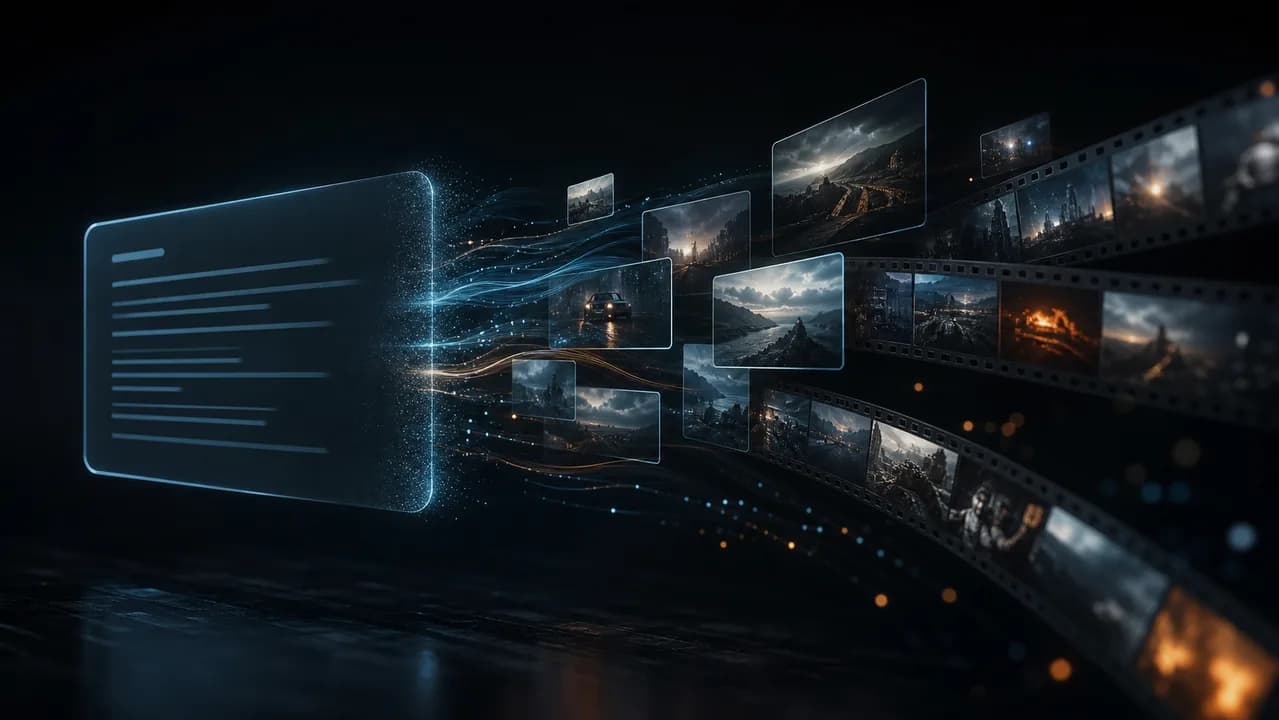
Start from a prompt when you have an idea, script, product angle, or scene direction but no source video yet.
Try Text to Video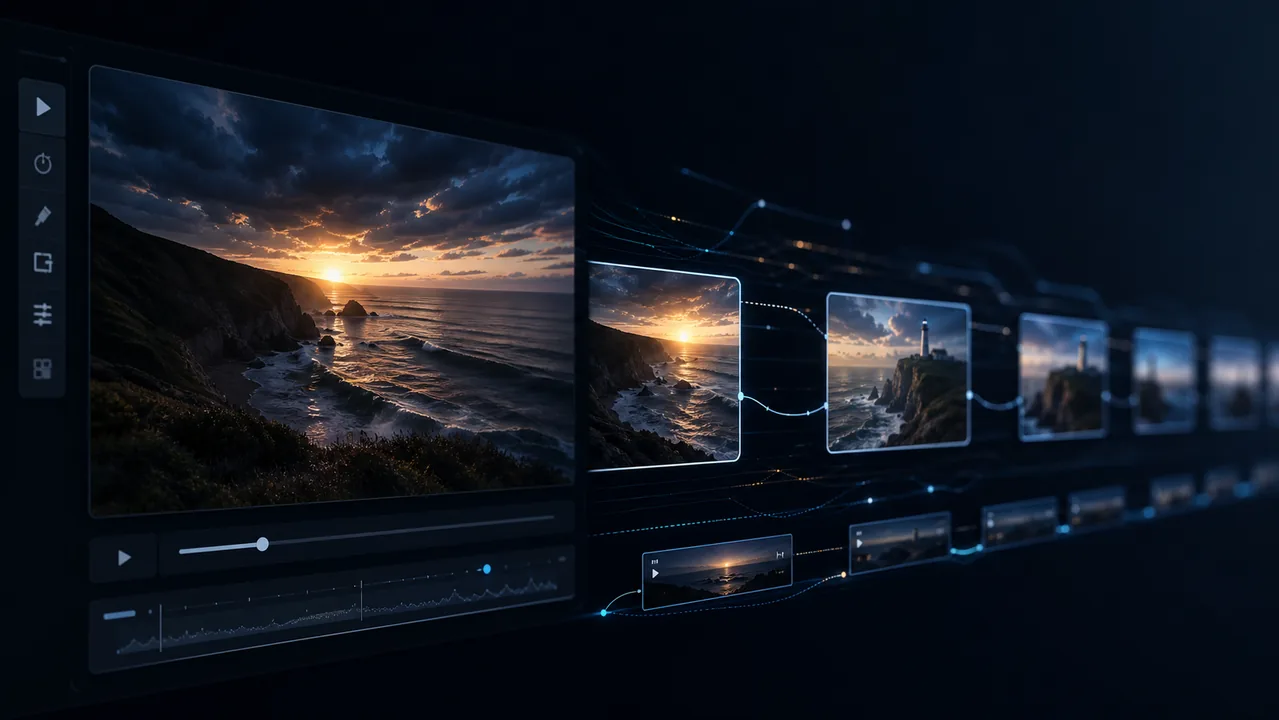
Upload a still image and turn it into a moving AI video with camera motion and style controls.
Try Image to Video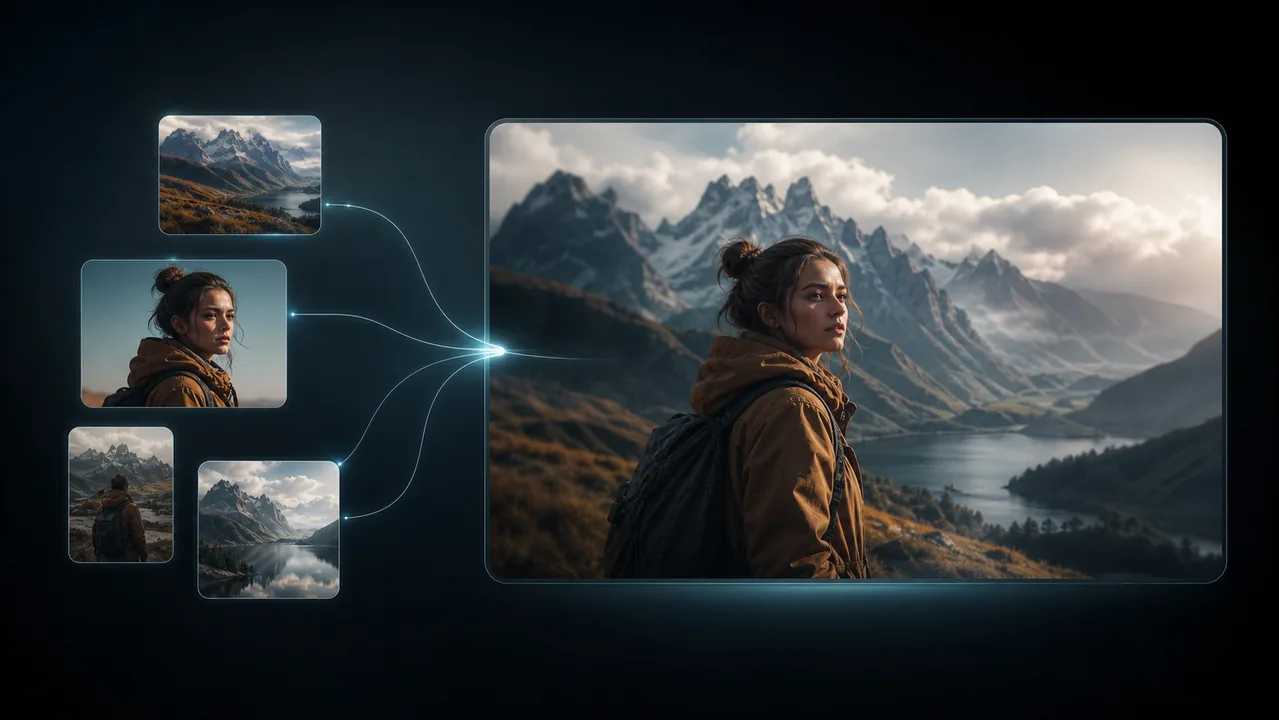
Use reference images to keep characters, products, objects, or styles consistent across motion.
Try Reference to Video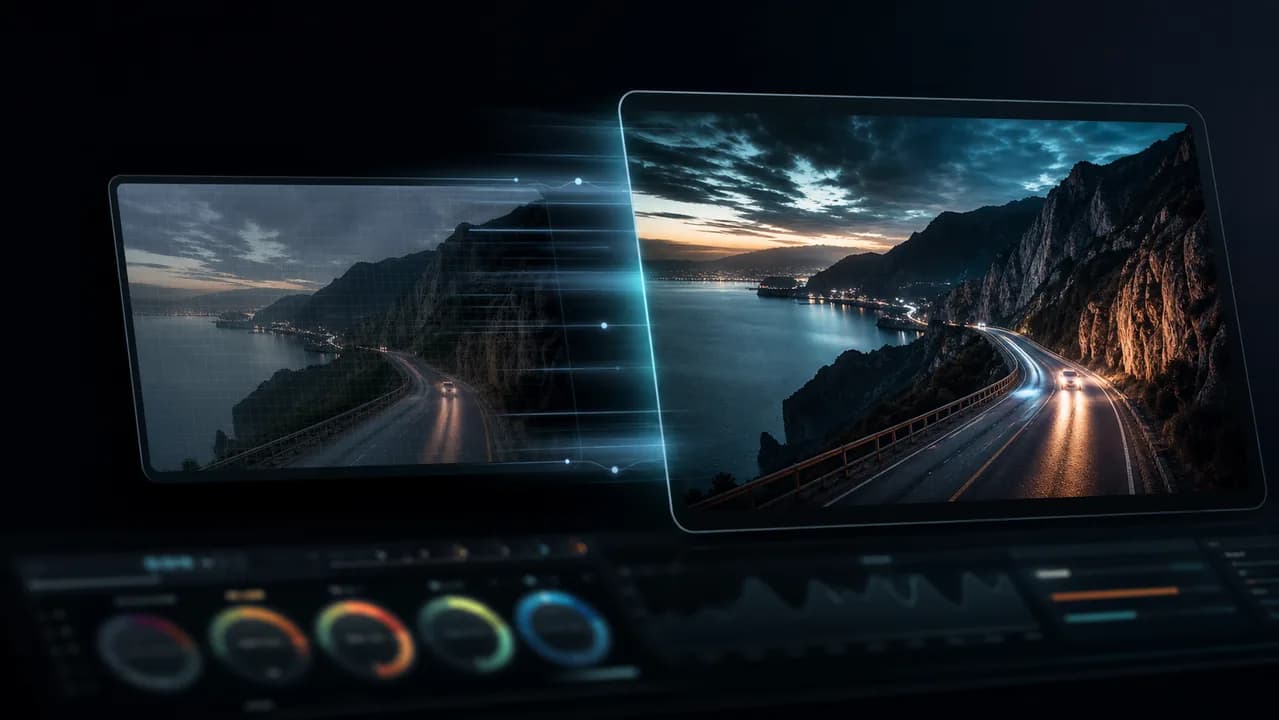
Transform existing footage with a prompt while keeping the source video's motion and structure.
Try Video to VideoUpload a short video and one clear face photo. Keep the original movement and expressions without prompts or timeline editing. See the credit cost before you generate.
Choose the plan or credit pack that fits your video face swap workflow. Review credits and generation volume before you create more clips.
Lite
~ 134 Seedance 2.0 videos
2 videos or 4 images parallel tasks
Standard generation speed
Popular video models included
Commercial use license
No watermark
AI video generation
HD video generation
Cancel anytime
No discounted models
Pro
~ 460 Seedance 2.0 videos
6 videos or 8 images parallel tasks
Priority generation speed
Popular and selected premium video models
No watermark
Commercial use license
Early access to new models
AI video generation
HD video generation
Discounted models included
Cancel anytime
Discounted Models
Max
~ 1,368 Seedance 2.0 videos
8 videos or 8 images parallel tasks
Highest priority generation speed
All released video models
No watermark
Commercial use license
Priority support
Early access to advanced features
AI video generation
HD video generation
Discounted models included
Cancel anytime
Discounted Models






Applicable taxes, VAT, or GST are calculated at checkout based on your billing location.
Cancel anytime for subscriptions. One-time credits never renew.