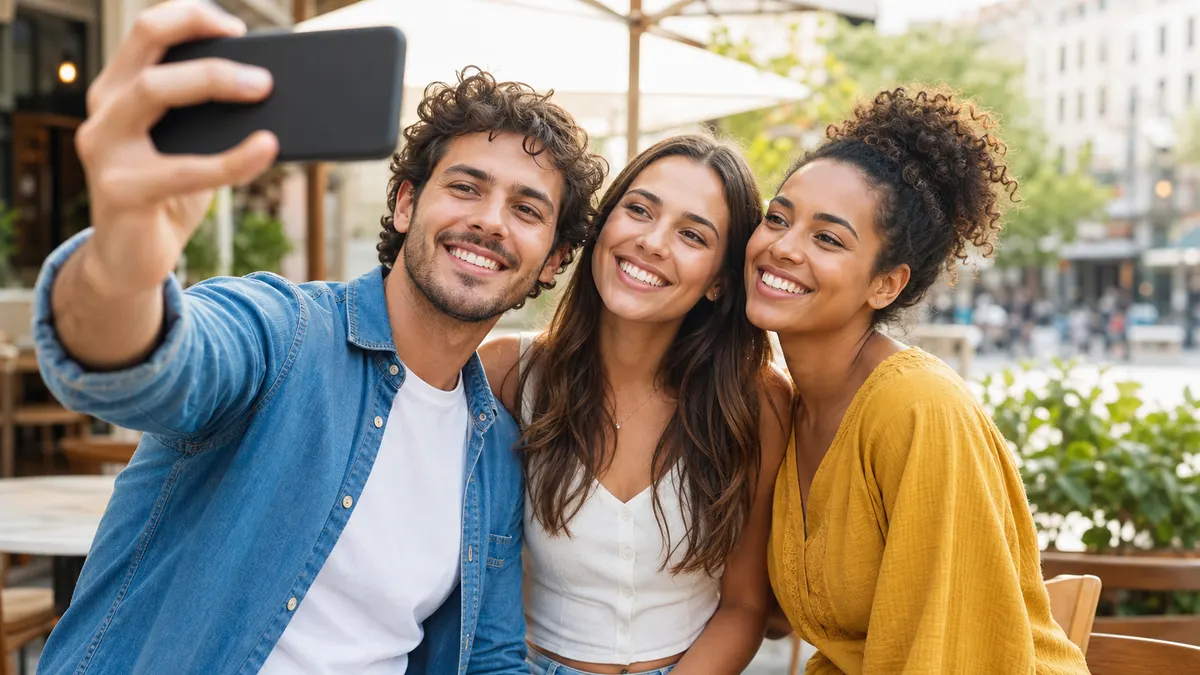
 Reference Image
Prompt
Keep the same face, outfit, body shape, and character style while creating a new social video scene with natural gestures and stable motion.
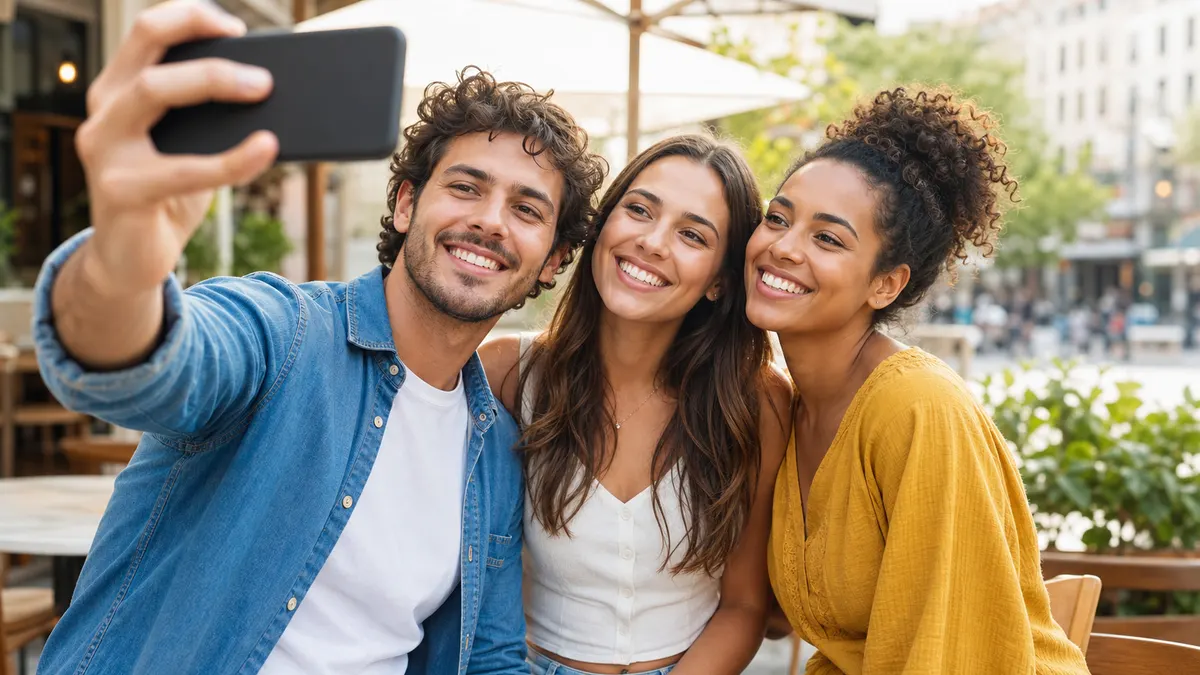
Veo 3.1 Fast16:9

Loading
Detailed Preview
Login to generate and view your high-quality AI videos.
Create high-quality AI videos from reference images for free. No credit card required. Upload a character, product, object, or style reference, then generate a consistent video with better identity control, smoother motion, and fewer detail changes.
Select a reference to video model based on the inputs and details you need to control. Use Seedance 2.5 for longer multimodal workflows, MiniMax H3 for omni-modal direction and native audio, Veo 3.1 Fast for identity and cinematic realism, or Wan 2.7 for flexible reference control.
Browse real-style Reference to Video examples and see how character, product, object, and style references stay recognizable across motion, camera angles, and scenes. Use the gallery to find ideas for ads, social clips, storyboards, and cinematic AI videos.
Reference ImageKeep the same face, outfit, body shape, and character style while creating a new social video scene with natural gestures and stable motion.
Reference to Video helps when normal image animation is not stable enough. FluxArt keeps characters, products, objects, and styles more recognizable across motion and new scenes, with clear model choices and credit visibility before generation.
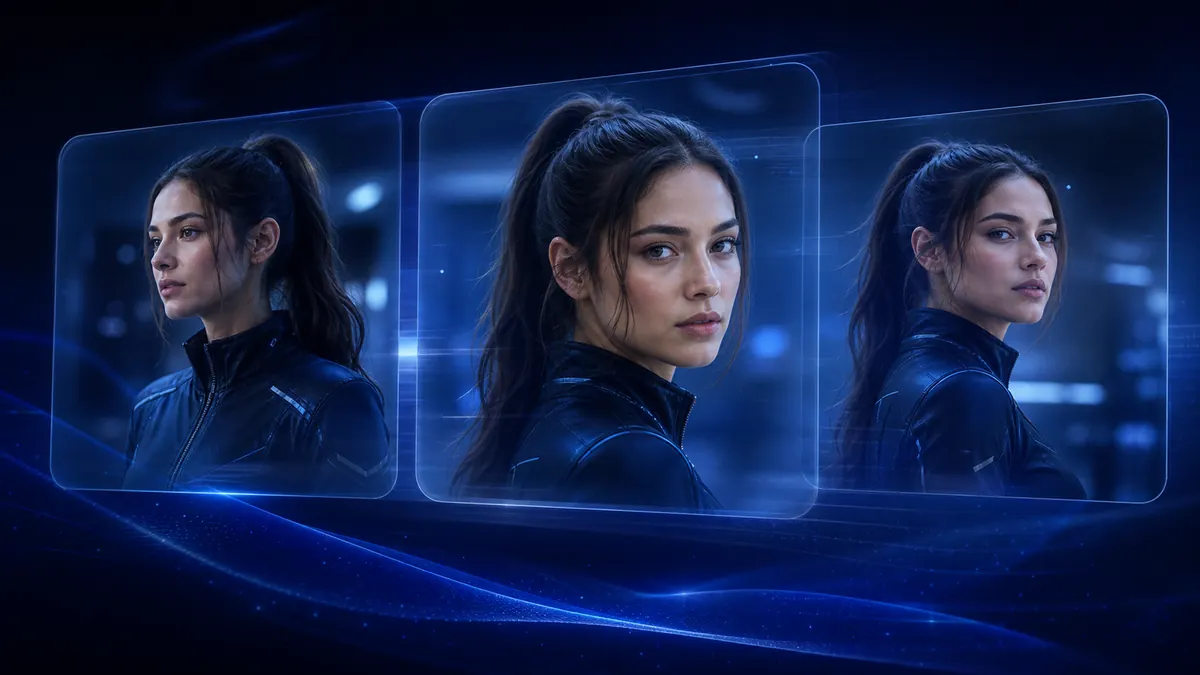
Keep faces, outfits, body shape, and character identity closer to your reference images across motion, camera angles, and new scenes.
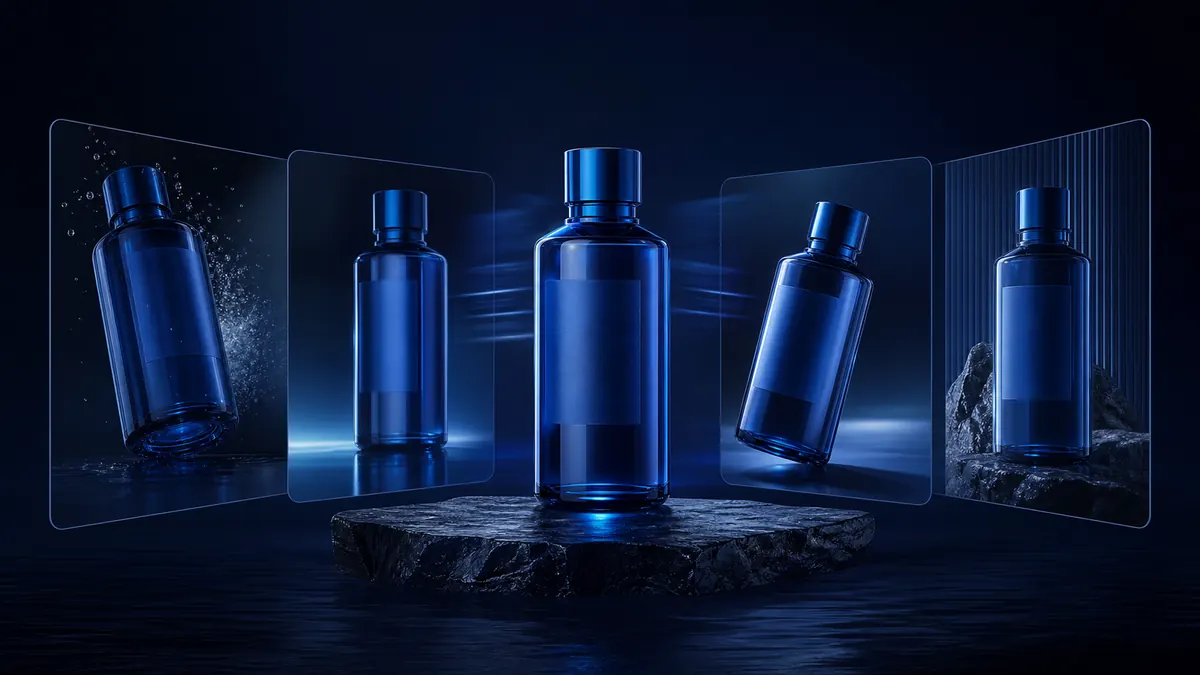
Preserve product shape, logo, color, packaging, and key visual details for ads, demos, and launch videos.
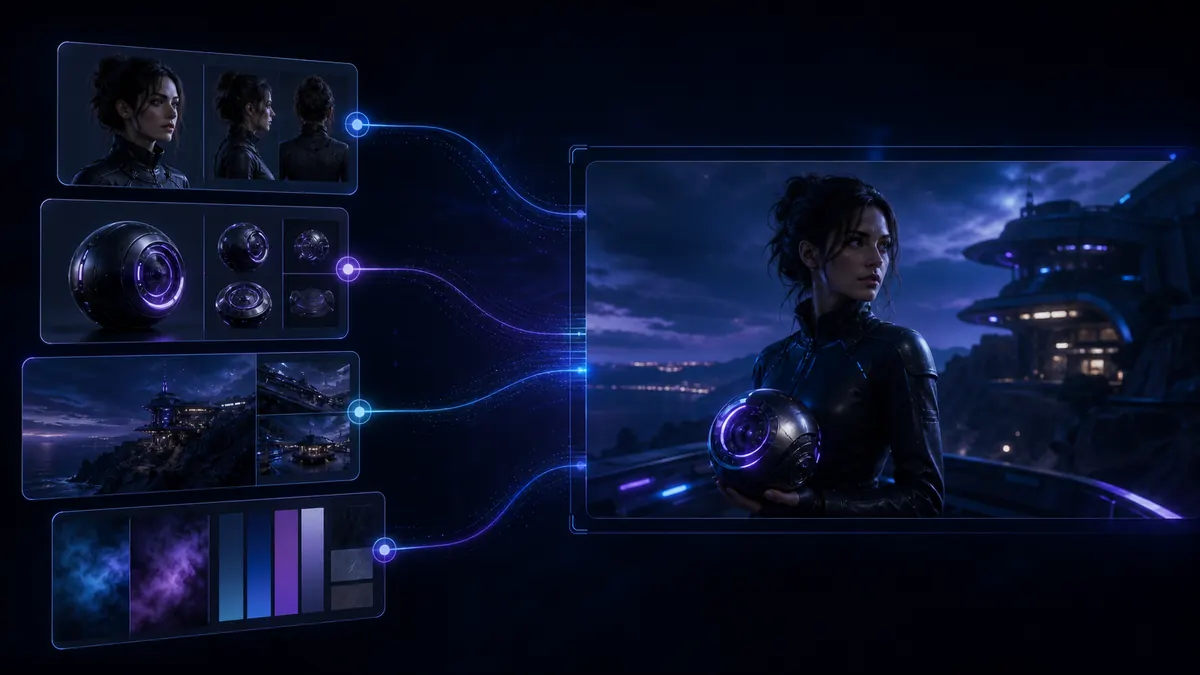
Use character, product, object, scene, or style references as visual anchors so the final video follows the right subject.
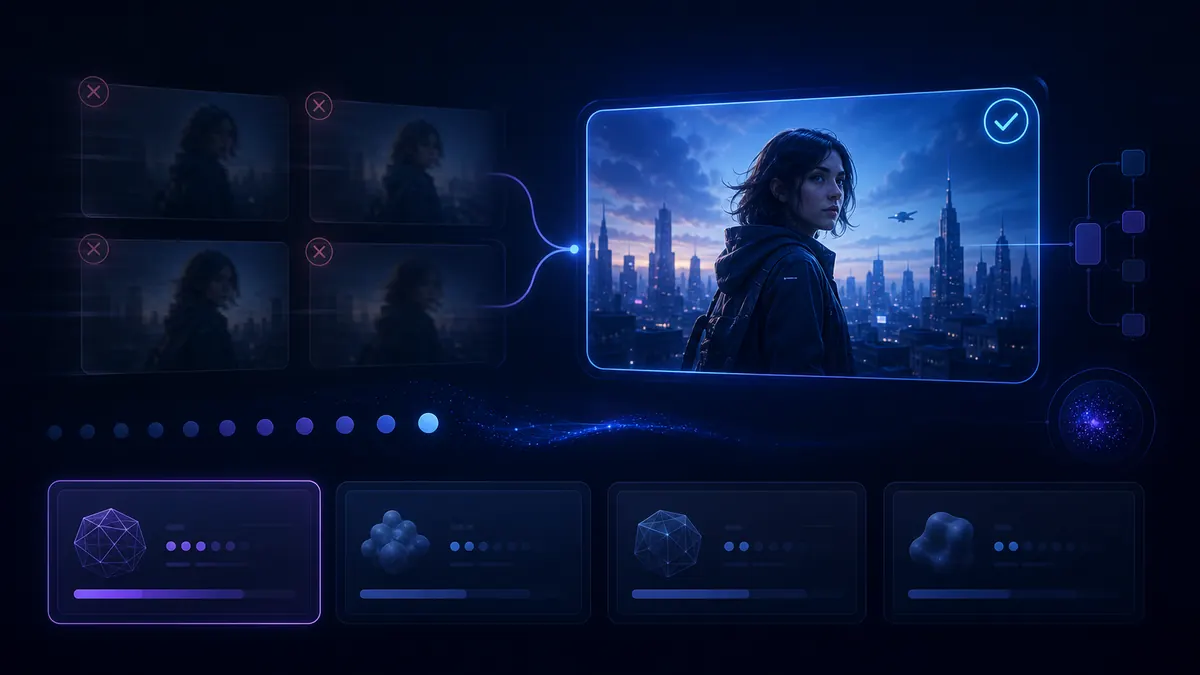
Compare reference-capable models, duration, aspect ratio, and estimated cost before rendering, so you can test with less trial and error.
Use Reference to Video AI to create videos where characters, products, objects, and styles stay recognizable across motion and new scenes. Build product ads, character shorts, virtual influencer clips, branded visuals, and storyboards with stronger visual consistency.
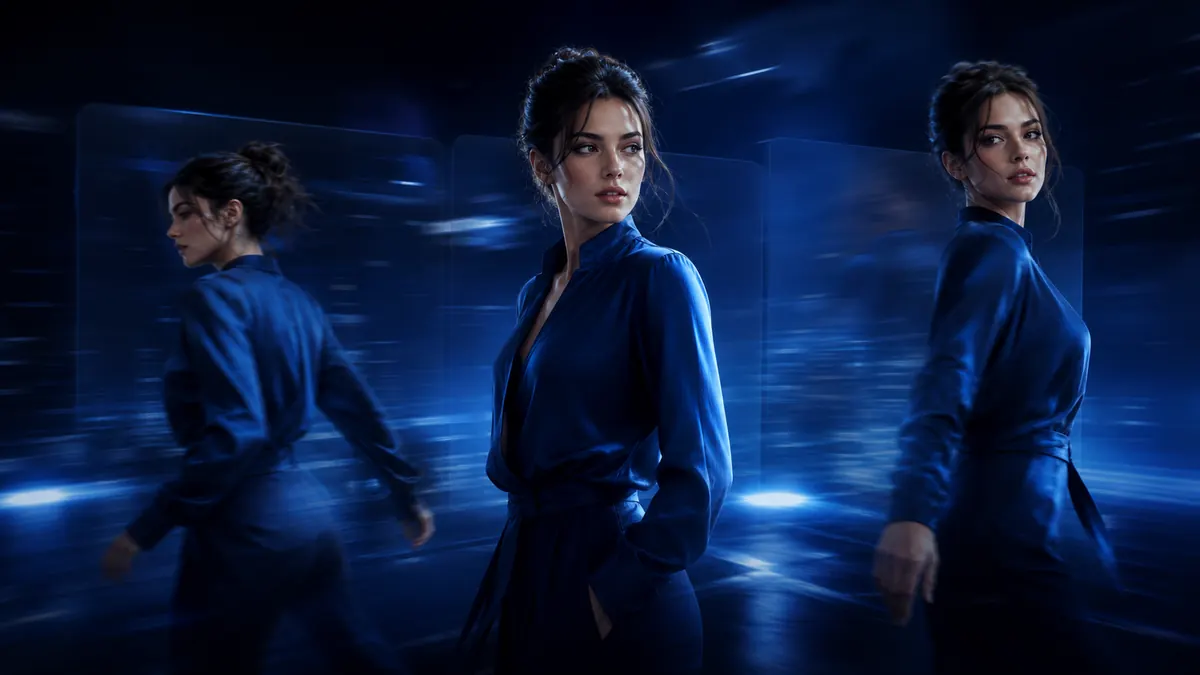
Create short videos where the same character keeps their face, outfit, and identity across new scenes and camera angles.
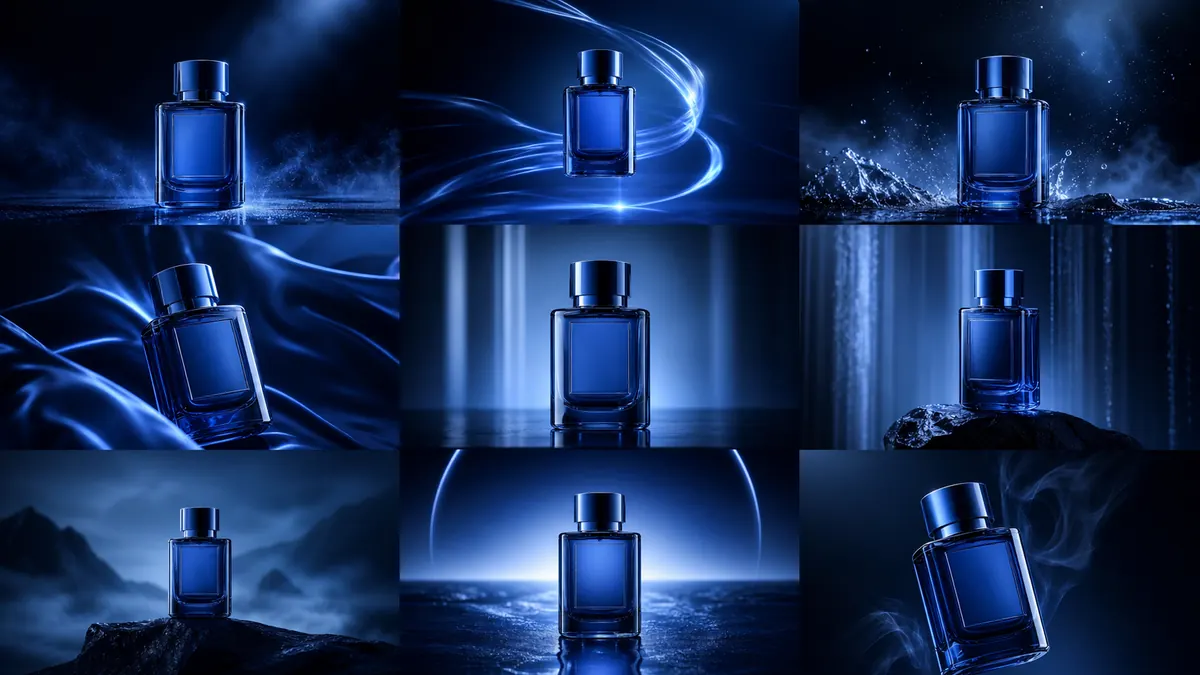
Keep product shape, logo, color, packaging, and brand details stable while generating ad-style motion.
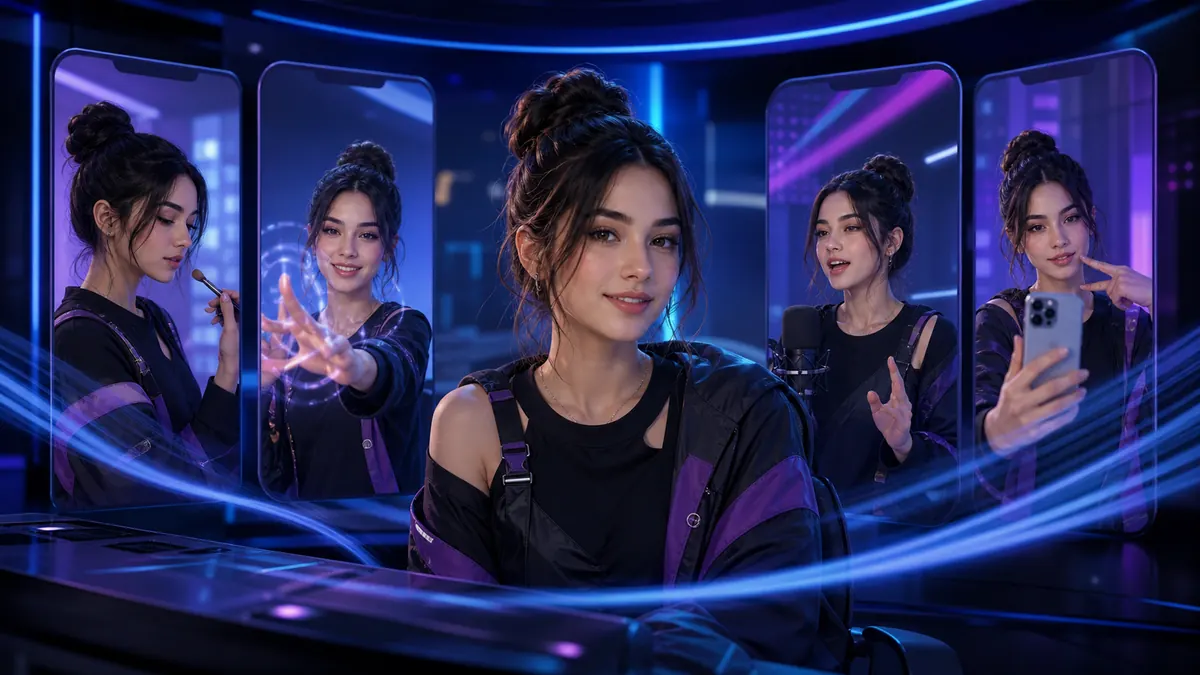
Use character references to create social clips, UGC-style videos, and recurring persona content with a stable look.
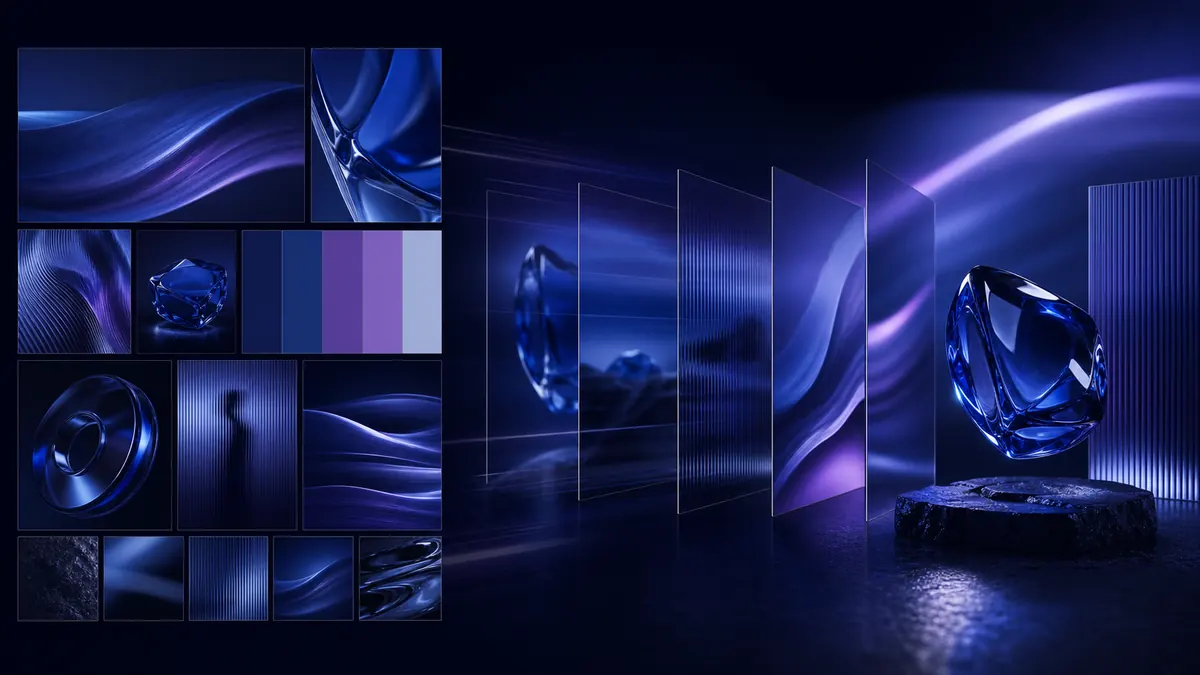
Turn brand, object, or style references into videos that keep the same visual language across campaigns.
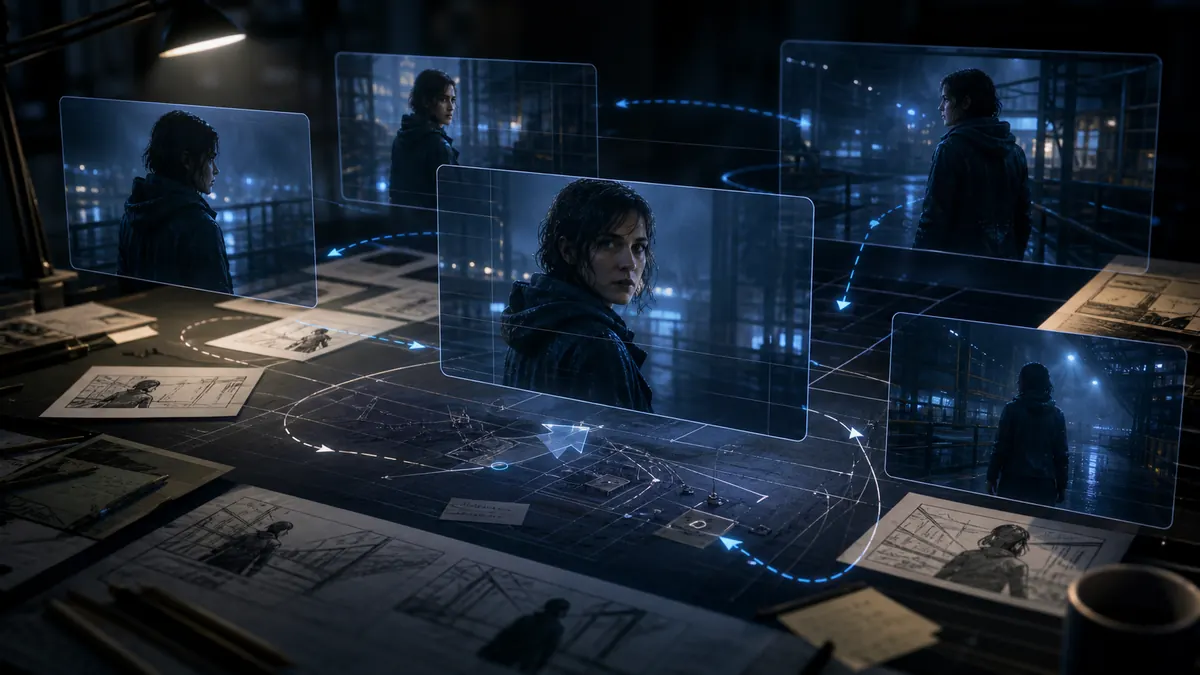
Test scenes, shots, and creative directions while keeping characters, products, or locations consistent.
Create a Reference to Video clip in a simple workflow. Upload reference images, describe the scene and motion, choose a reference-capable model, then generate a video with more consistent subjects, products, or styles.
Add clear character, product, object, scene, or style references. Use multiple angles when you need stronger identity or detail control.
Write the action, camera move, and scene. Mention details to preserve, such as face, outfit, product shape, logo, colors, or visual style.
Pick a reference-capable model, aspect ratio, duration, and resolution. Check the credit cost, generate, preview, and download your video.
Need help keeping references consistent? Read the AI video prompt guide.
Clear answers about reference images, character consistency, product videos, prompts, free credits, credit costs, and commercial use.
Continue your AI video workflow in FluxArt. Start from one workspace, generate from prompts, animate images, or transform existing footage with focused AI video tools.
Create AI videos from text, images, references, and source footage in one flexible workspace.
Open AI Video Generator
Start from a prompt when you have an idea, script, product angle, or scene direction but no source image yet.
Try Text to Video
Upload a still image and turn it into a moving AI video with camera motion and style controls.
Try Image to Video
Upload source footage and generate a new version with different style, motion, or visual direction.
Try Video to Video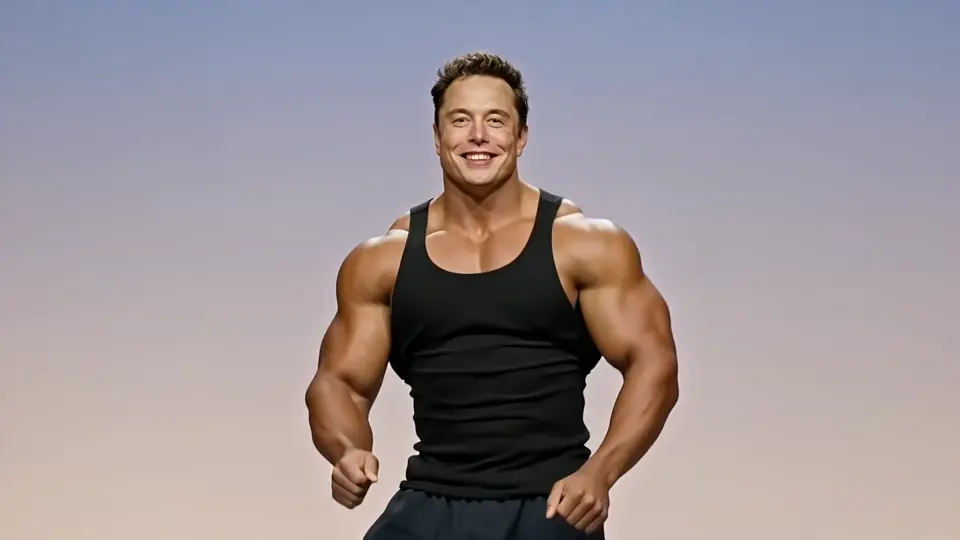
Replace a face in uploaded footage while preserving the original performance and motion.
Try Video Face SwapUpload reference images for a character, product, object, or style, then generate an AI video that stays more recognizable across motion and new scenes. Start with free credits, no credit card required.
Start with free credits, then choose the plan that fits your reference to video workflow. Review credits, model access, and generation volume before you scale.
Lite
~ 134 Seedance 2.0 videos
2 videos or 4 images parallel tasks
Standard generation speed
Popular video models included
Commercial use license
No watermark
AI video generation
HD video generation
Cancel anytime
No discounted models
Pro
~ 460 Seedance 2.0 videos
6 videos or 8 images parallel tasks
Priority generation speed
Popular and selected premium video models
No watermark
Commercial use license
Early access to new models
AI video generation
HD video generation
Discounted models included
Cancel anytime
Discounted Models
Max
~ 1,368 Seedance 2.0 videos
8 videos or 8 images parallel tasks
Highest priority generation speed
All released video models
No watermark
Commercial use license
Priority support
Early access to advanced features
AI video generation
HD video generation
Discounted models included
Cancel anytime
Discounted Models






Applicable taxes, VAT, or GST are calculated at checkout based on your billing location.
Cancel anytime for subscriptions. One-time credits never renew.