

Veo 3.1 Fast16:9
Product Ads
A premium cosmetic jar rotates slowly on a deep blue studio stage while thin light ribbons orbit the product and tiny bubbles drift through the frame.

Loading
Create polished videos with FluxArt's latest models
Create AI videos from text prompts, images, or reference visuals with FluxArt's AI video generator. Try text to video, image to video, and leading AI video models in one workspace, generate fast previews, and start without a credit card.
Models
Explore a curated lineup of today's popular AI video models in FluxArt, including options for text to video, image to video, reference-guided clips, cinematic shots, and fast creative tests. Compare each model's strength before you create your AI video.
Browse AI video examples made with FluxArt's AI video generator, including text to video scenes, image to video animations, product clips, and cinematic shots. Find a style you like, then start your own AI video faster.
A premium cosmetic jar rotates slowly on a deep blue studio stage while thin light ribbons orbit the product and tiny bubbles drift through the frame.
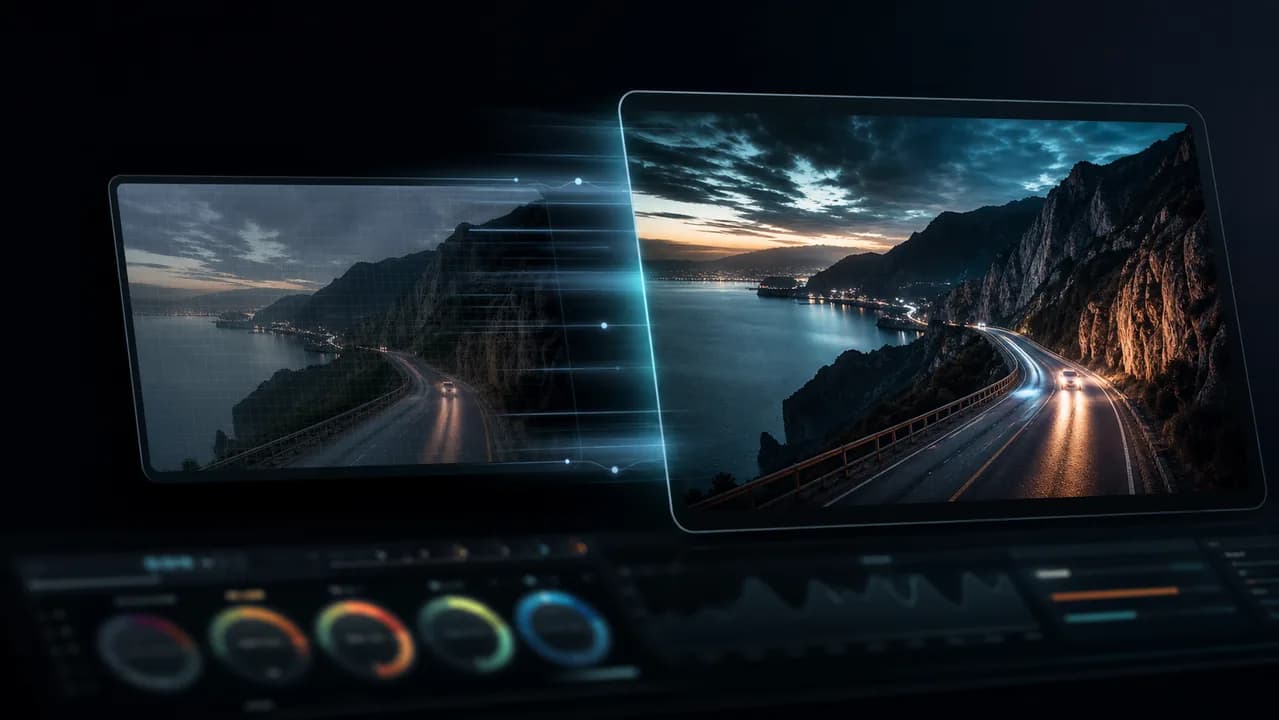
A fashion model walks through a rain-lit neon city at night while the camera tracks beside her through blue and magenta reflections.
A futuristic courier runs across a rain-soaked rooftop while neon towers glow through mist behind them.
A realistic AI influencer presents a premium skincare product in a clean white studio with polished beauty demo lighting.
A skincare serum bottle slides quickly into frame on a bright bathroom counter and catches a clean sparkle of light.
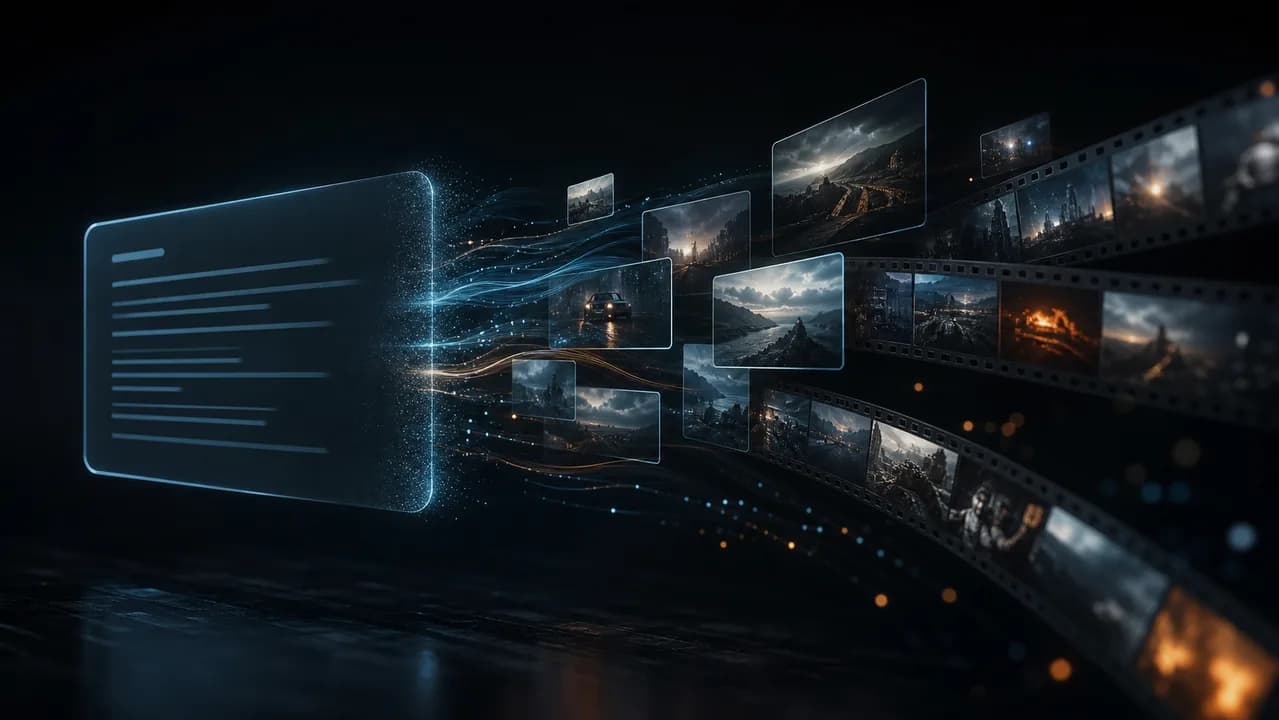
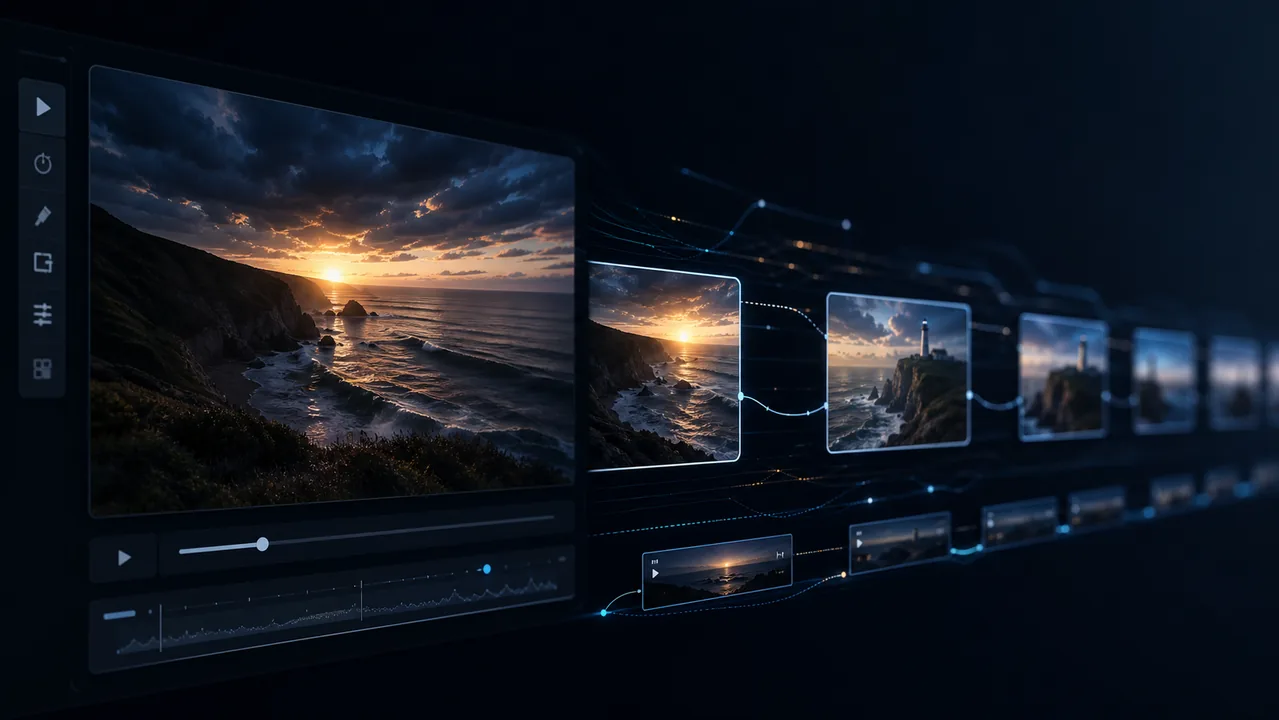
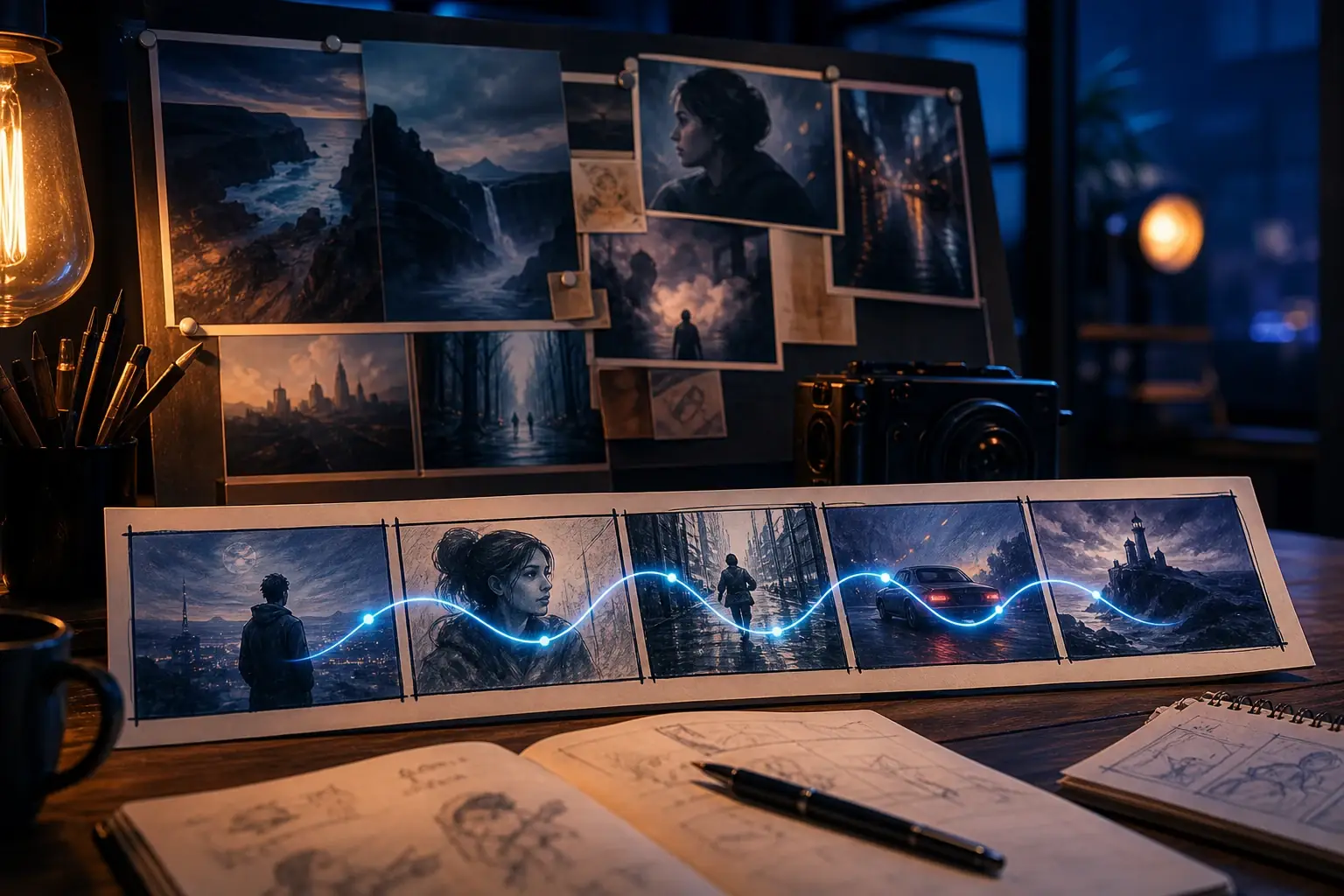
A clean 3D workflow visualization shows a prompt transforming into a storyboard and then a polished video timeline.
A premium seaside villa appears at golden hour while the camera glides smoothly toward the pool and ocean view.
A premium cosmetic jar rotates slowly on a deep blue studio stage while thin light ribbons orbit the product and tiny bubbles drift through the frame.
A fashion model walks through a rain-lit neon city at night while the camera tracks beside her through blue and magenta reflections.
A futuristic courier runs across a rain-soaked rooftop while neon towers glow through mist behind them.
A realistic AI influencer presents a premium skincare product in a clean white studio with polished beauty demo lighting.
A skincare serum bottle slides quickly into frame on a bright bathroom counter and catches a clean sparkle of light.
A clean 3D workflow visualization shows a prompt transforming into a storyboard and then a polished video timeline.
A premium seaside villa appears at golden hour while the camera glides smoothly toward the pool and ocean view.
Start with text to video, image to video, or reference visuals. FluxArt's AI video generator helps you guide motion, camera style, aspect ratio, duration, quality, audio options, and model choice in one workspace.
Prompt Start
Write a prompt, scene idea, product concept, or short script. FluxArt turns text to video with subject motion, camera direction, lighting, and visual style.
Start With a Prompt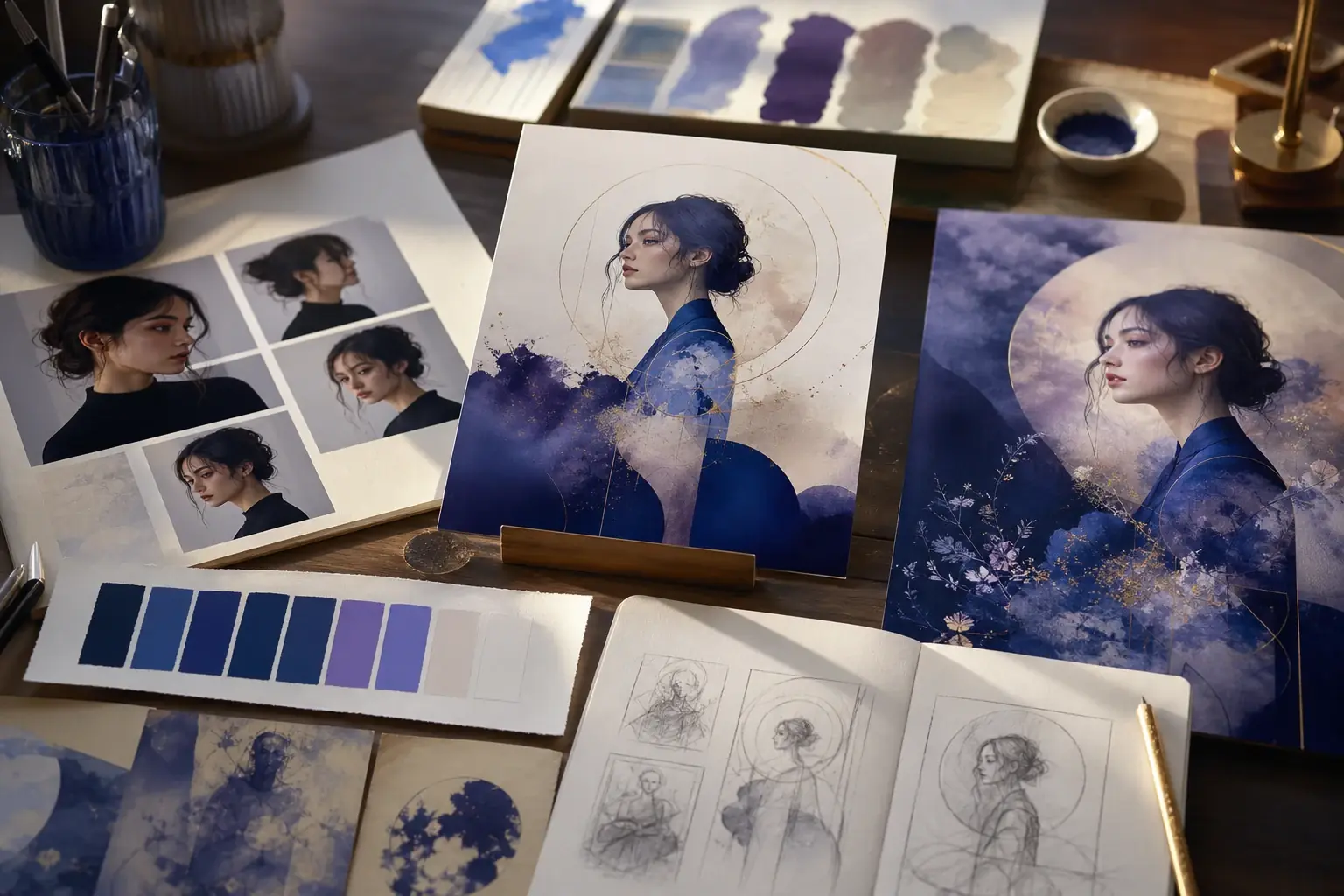
Image Start
Upload a starting image and describe how it should move. Add expression, product motion, atmosphere, camera movement, or a clear ending frame.
Animate an Image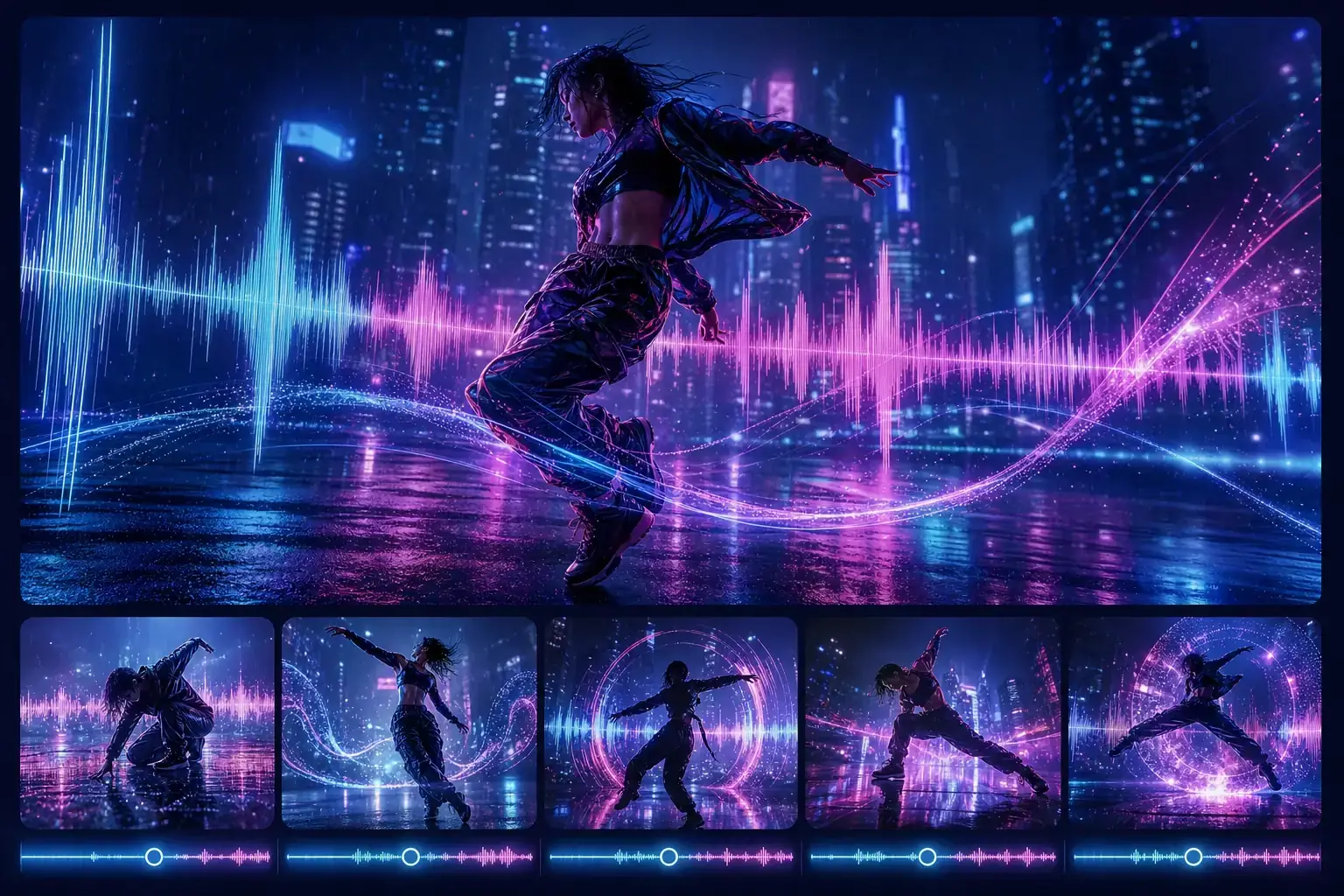
Reference Control
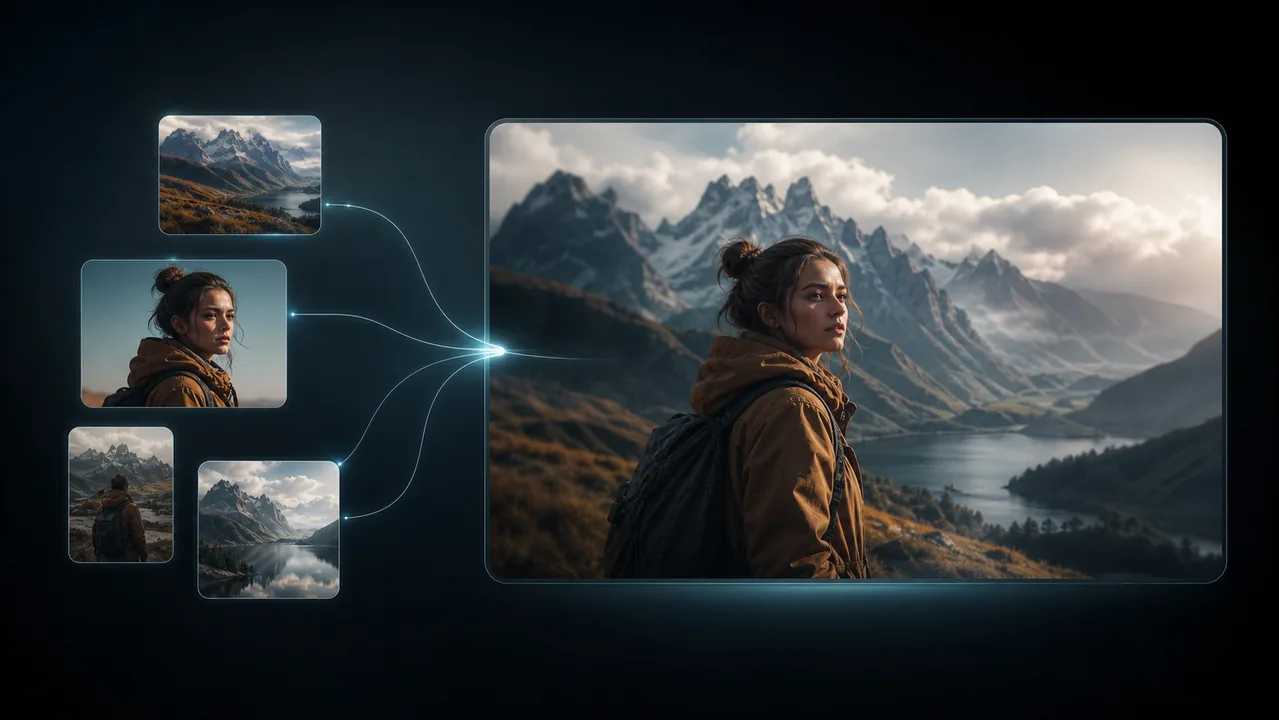
Use reference visuals to keep characters, products, scenes, colors, or styles more consistent while generating a new AI video.
Use References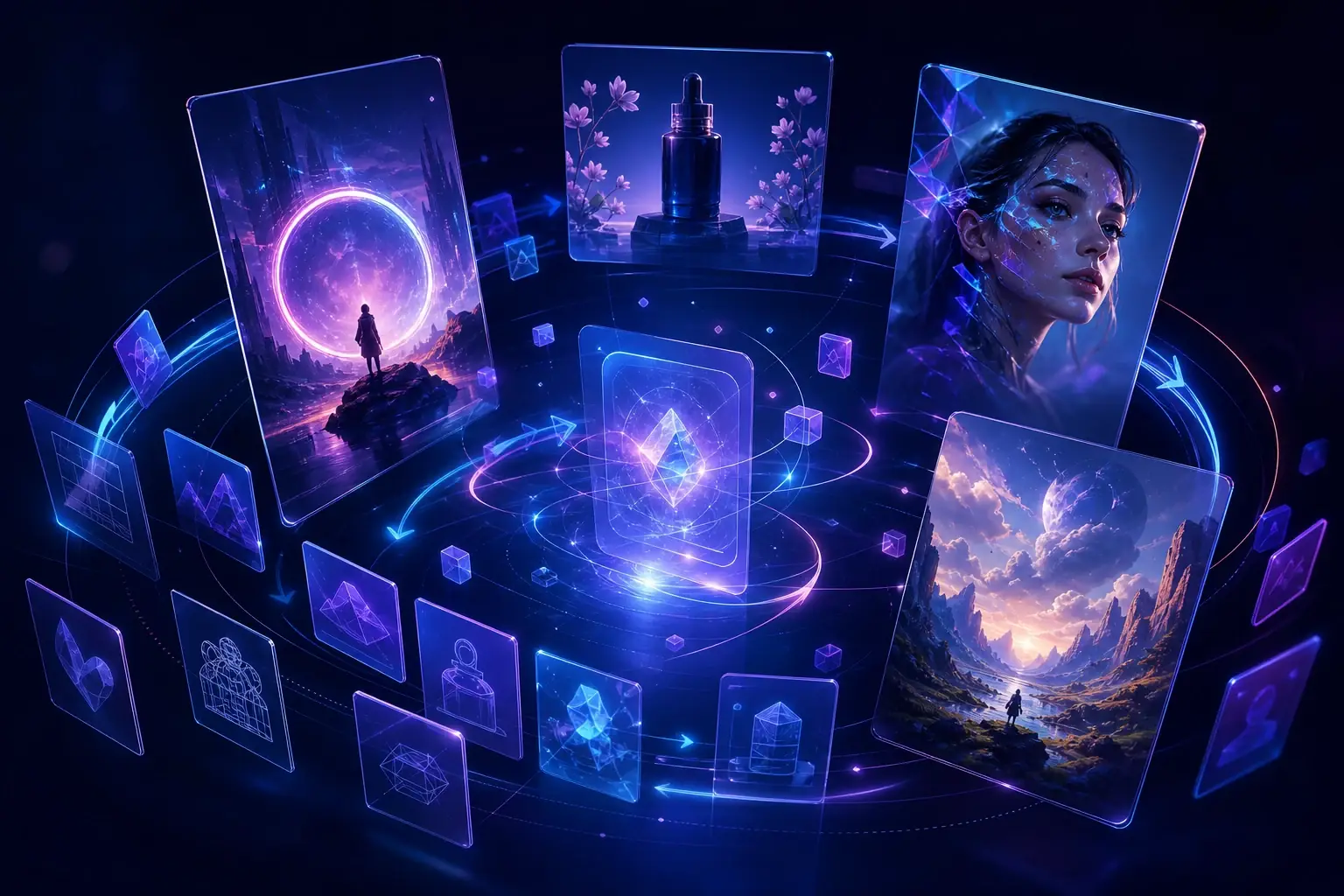
Video Settings
Choose the model, aspect ratio, duration, quality, output count, and audio option where supported. FluxArt keeps key settings clear before you render.
Choose Video SettingsCreate an AI video online in a few simple steps. Start with text to video, image to video, or reference visuals, choose a model and settings, then generate and refine your clip.
Enter a text prompt, upload a starting image, or add reference visuals. Describe the subject, action, camera movement, visual style, mood, and any details you want the AI video generator to follow.
Choose a popular AI video model, then set the aspect ratio, duration, quality, output count, and audio option where supported. FluxArt keeps key settings and credit usage visible before generation.
Generate your AI video, review the result, and adjust the prompt or settings if you want a different motion, camera move, scene style, or final look. Repeat until the clip fits your idea.
From social clips and product ads to cinematic stories and brand campaigns, FluxArt helps you turn prompts, images, and references into polished AI videos faster. Create more variations, test ideas early, and produce ready-to-share clips without a full production shoot.
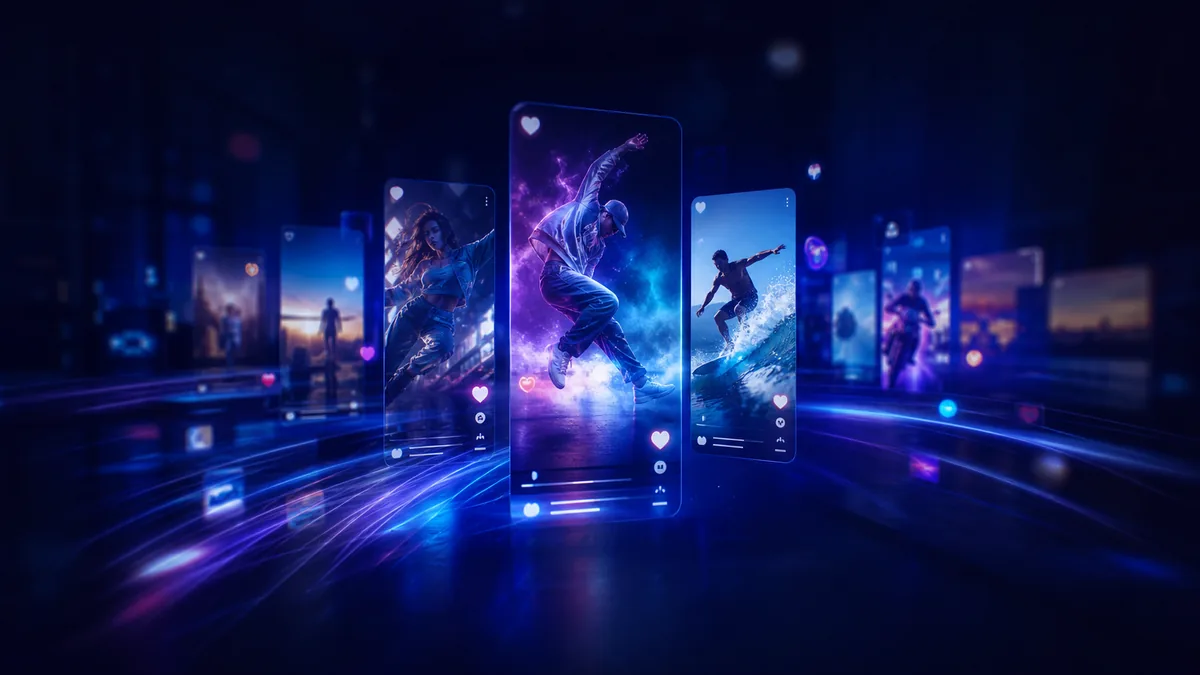
Create short AI videos for TikTok, Instagram Reels, YouTube Shorts, ads, and creator posts in vertical or square formats.
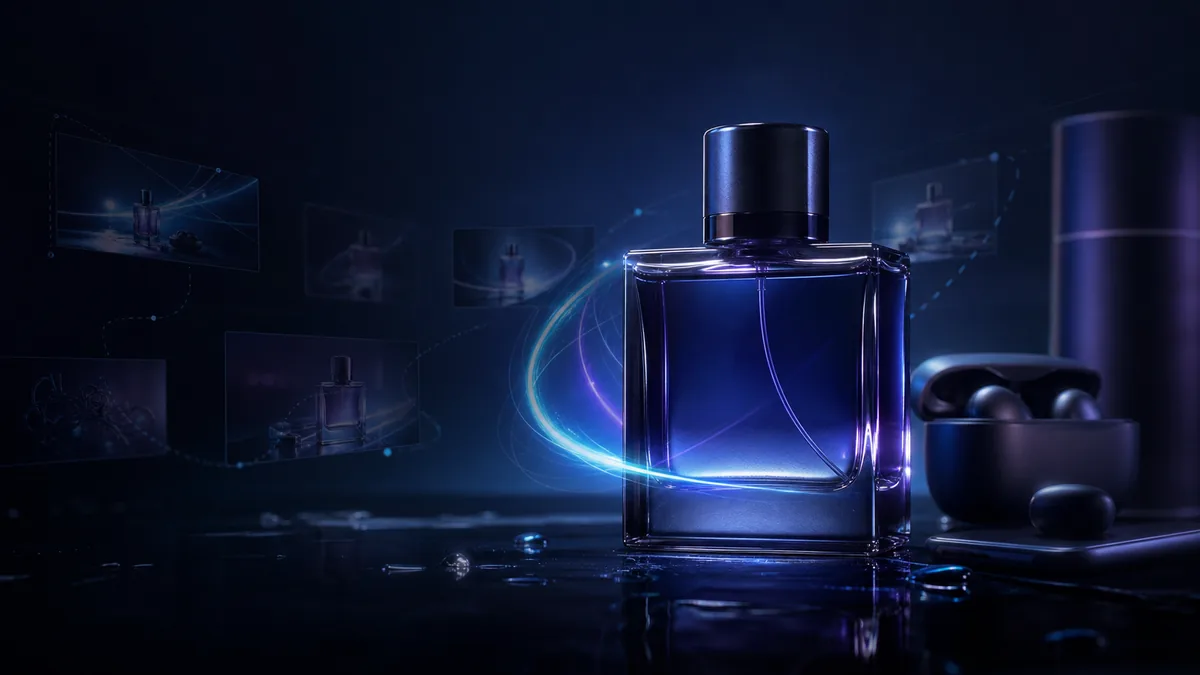
Animate product images, show benefits, and test ad concepts before booking a full product shoot.
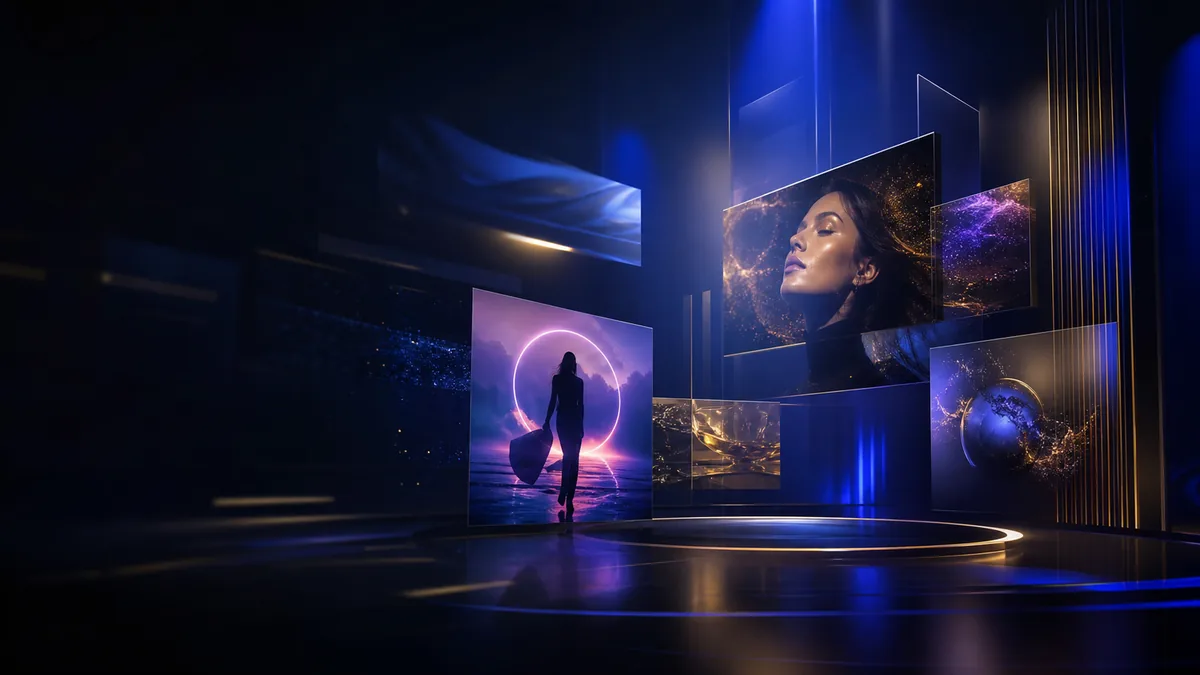
Generate launch teasers, campaign visuals, landing page motion assets, and branded clips with a polished look.
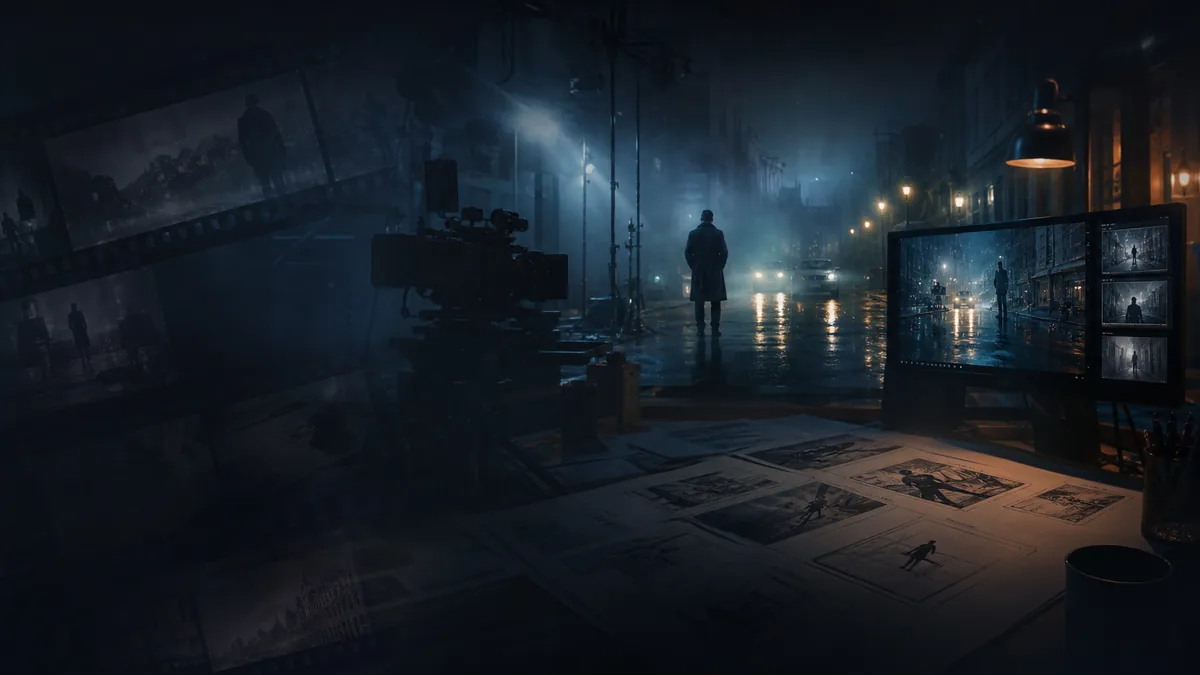
Turn story ideas into cinematic scenes with lighting, motion, atmosphere, and camera direction.
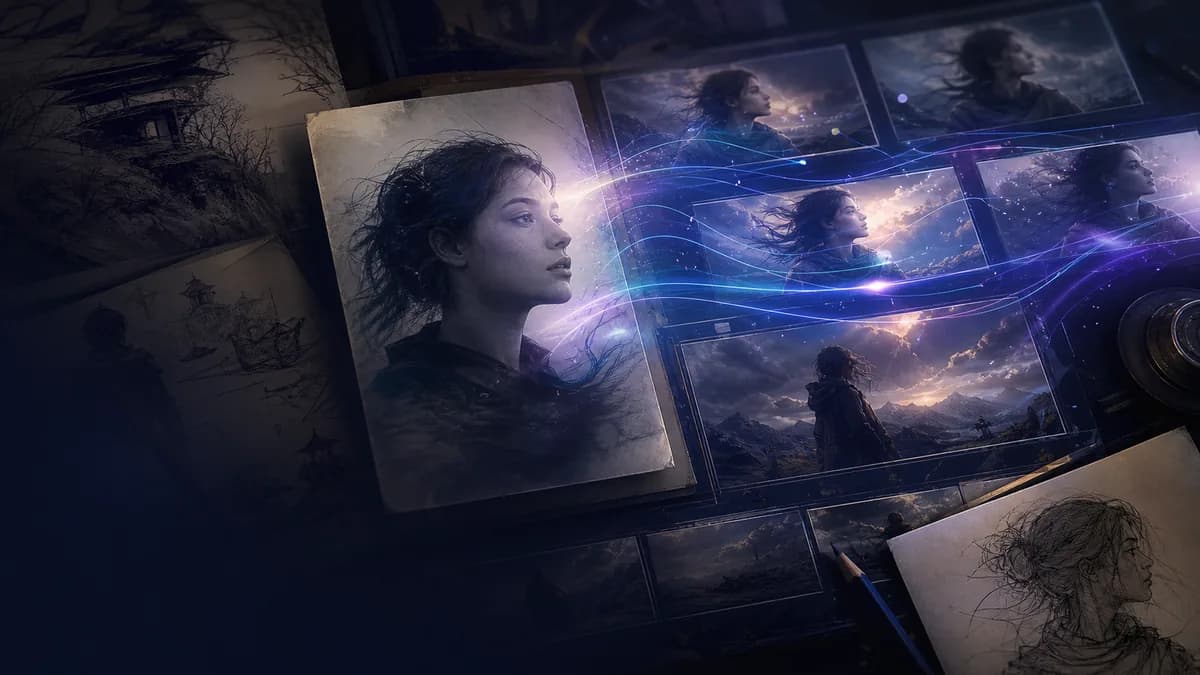
Bring portraits, illustrations, product photos, and concept art to life with image to video generation.
Explore scenes, styles, camera angles, and motion direction before production or client review.
FluxArt shows credits before each AI video generation. Cost may vary by model, duration, resolution, output count, audio support, and input type, so you can choose the right settings before rendering.
Video generation cost can change based on the selected model, duration, resolution, and number of outputs. Check the credit estimate before you generate.
Different AI video models may support different input types, aspect ratios, duration options, quality levels, and audio features.
Use lighter settings for quick tests and higher settings for polished clips, product videos, ads, or final creative assets.
If you need more credits, longer videos, or higher-volume generation, visit pricing to choose the plan that fits your workflow.
Answers to common questions about text-to-video generation, image-to-video workflows, AI video models, credits, privacy, and commercial use.
Last updated: August 11, 2026. Reviewed by the FluxArt Team for model availability, credit behavior, and commercial-use guidance.
Continue your AI video workflow in FluxArt. Generate from prompts, animate images, transform footage, or guide videos with references.
Start from a prompt when you have an idea, script, product angle, or scene direction but no source image yet.
Try Text to VideoUpload a still image and turn it into a moving AI video with camera motion and style controls.
Try Image to VideoUpload source footage and generate a new version with different style, motion, or visual direction.
Try Video to VideoUse reference images to keep characters, products, objects, or styles consistent across motion.
Try Reference to VideoReplace a face in uploaded footage while preserving the original performance and motion.
Try Video Face SwapStart with a prompt, image, or reference. Choose a popular AI video model, adjust your settings, and generate cinematic AI videos with FluxArt's online AI video generator.
Choose a plan with more video credits, private gallery control, and faster creative workflows.
Lite
约 134 个 Seedance 2.0 视频
2 个视频或 4 张图片并行任务
标准生成速度
包含常用视频模型
商业使用授权
无水印
AI 视频生成
高清视频生成
可随时取消
无折扣模型
Pro
约 460 个 Seedance 2.0 视频
6 个视频或 8 张图片并行任务
优先生成速度
包含常用和部分高级视频模型
无水印
商业使用授权
新模型提前体验
AI 视频生成
高清视频生成
包含折扣模型
可随时取消
折扣模型
Max
约 1,368 个 Seedance 2.0 视频
8 个视频或 8 张图片并行任务
最高优先级生成速度
可使用全部已发布视频模型
无水印
商业使用授权
优先支持,通常 24 小时内回复
高级功能提前体验
AI 视频生成
高清视频生成
包含折扣模型
可随时取消
折扣模型






适用税费、VAT 或 GST 会根据你的账单所在地在结账时计算。
订阅可随时取消。一次性积分包不会自动续费。