
Product Video
0 / 5000
175
Create polished videos with FluxArt's latest models
30-Second Multimodal AI Video
Seedance 2.5 AI Video Generator
Create complete AI video scenes up to 30 seconds. Start with text, images, first and last frames, video, or audio references. Guide motion, camera movement, pacing, and sound.
4–30 Seconds480p or 720pOptional AI-Generated Audio
Examples
See What Seedance 2.5 Can Create
Watch four real 15-second videos made on FluxArt. Compare product shots, character continuity, directed motion, and music-led visuals.
01 / 04
Showing Cinematic Product Reveal, slide 1 of 4.
Overview
What Is Seedance 2.5?
Seedance 2.5 is ByteDance's latest Seedance AI video model. On FluxArt, it currently supports 4–30 second videos at 480p or 720p, with optional audio and multimodal reference workflows.
Built by ByteDance
Seedance 2.5 is the latest model in ByteDance's Seedance AI video family.
Longer Video Sequences
Create a video up to 30 seconds, with enough time for the action to develop and reach a clear ending.
Flexible Ways to Create
Start with a prompt, an image, first and last frames, or a set of image, video, and audio references.
Available on FluxArt
Use the model directly in the generator above. FluxArt shows the exact credit cost before each generation.
Need a higher-resolution video? Use Video UpscaleCapabilities
What Makes Seedance 2.5 Different?
Create complete sequences up to 30 seconds. Use focused references to guide motion, continuity, pacing, and sound.
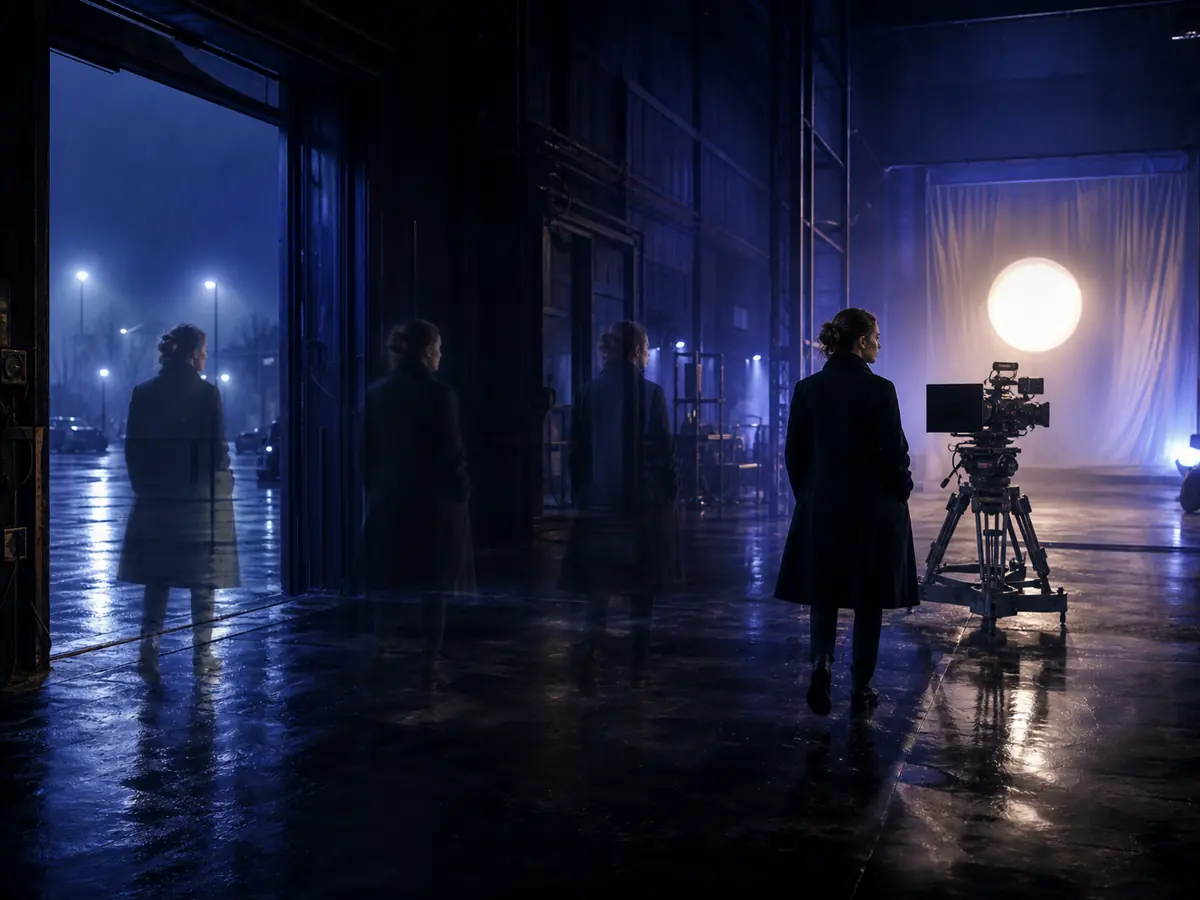
Complete 30-Second Videos
Create a complete video up to 30 seconds in one generation, with time for a clear opening, progression, and ending.
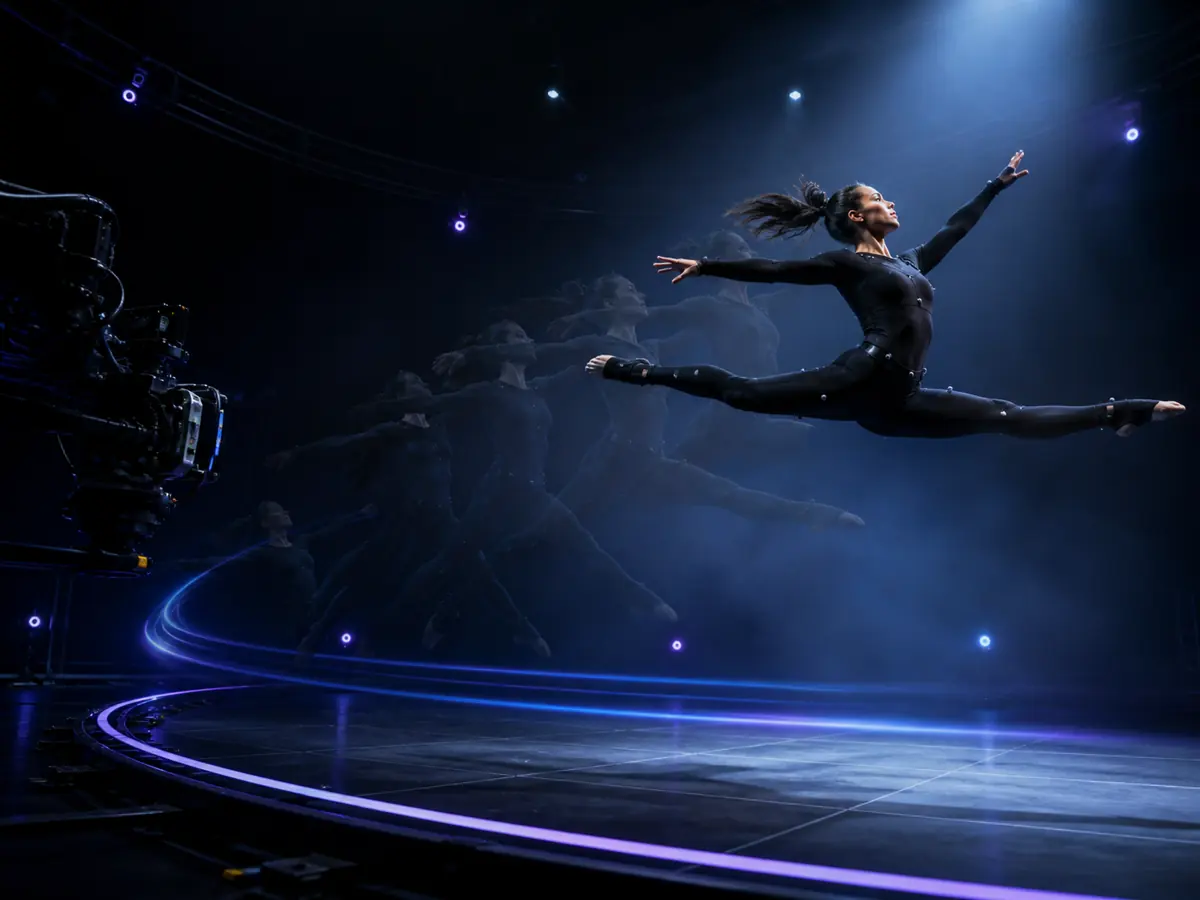
Motion Guided by Video
Use reference footage to guide body movement, object motion, camera paths, timing, and spatial relationships.
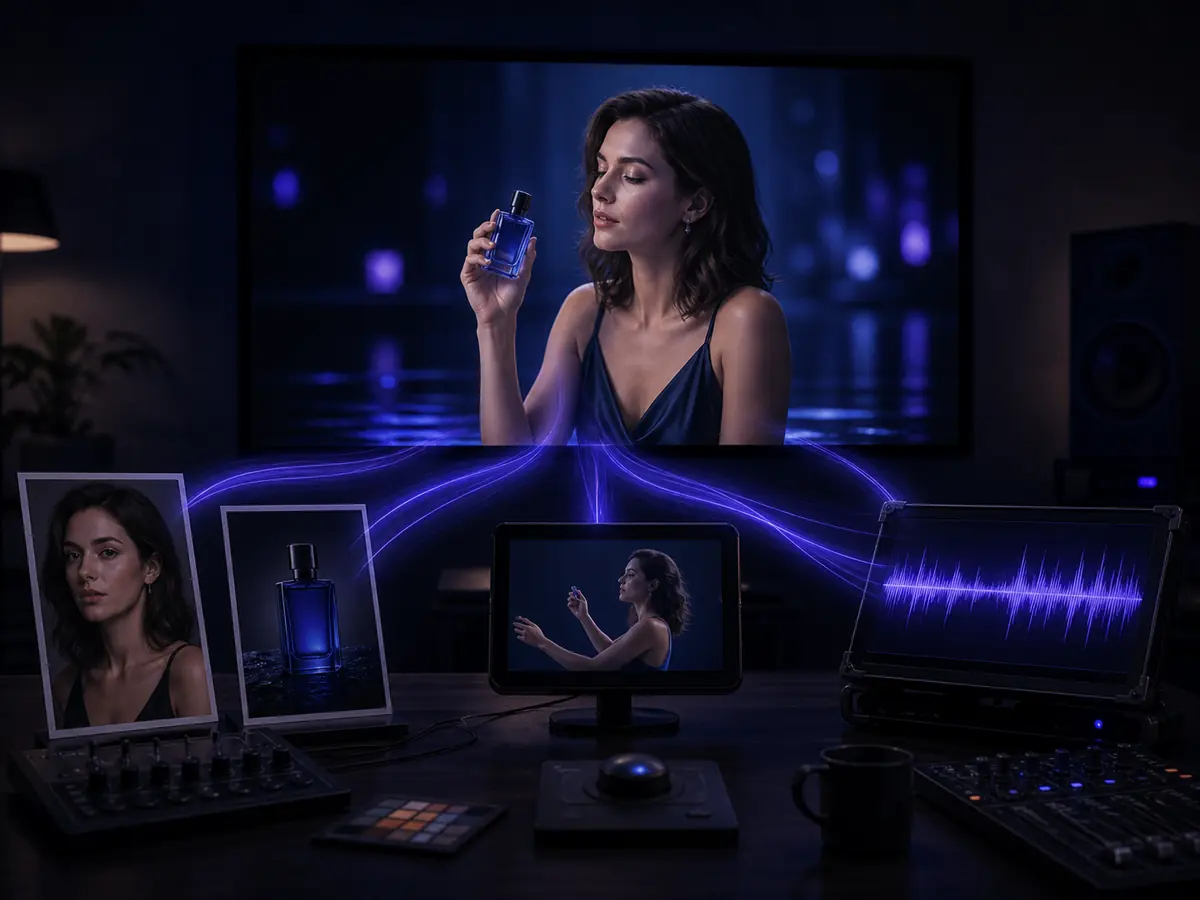
Image, Video & Audio References
Give each reference a clear role, such as subject identity, product appearance, motion, visual style or sound.
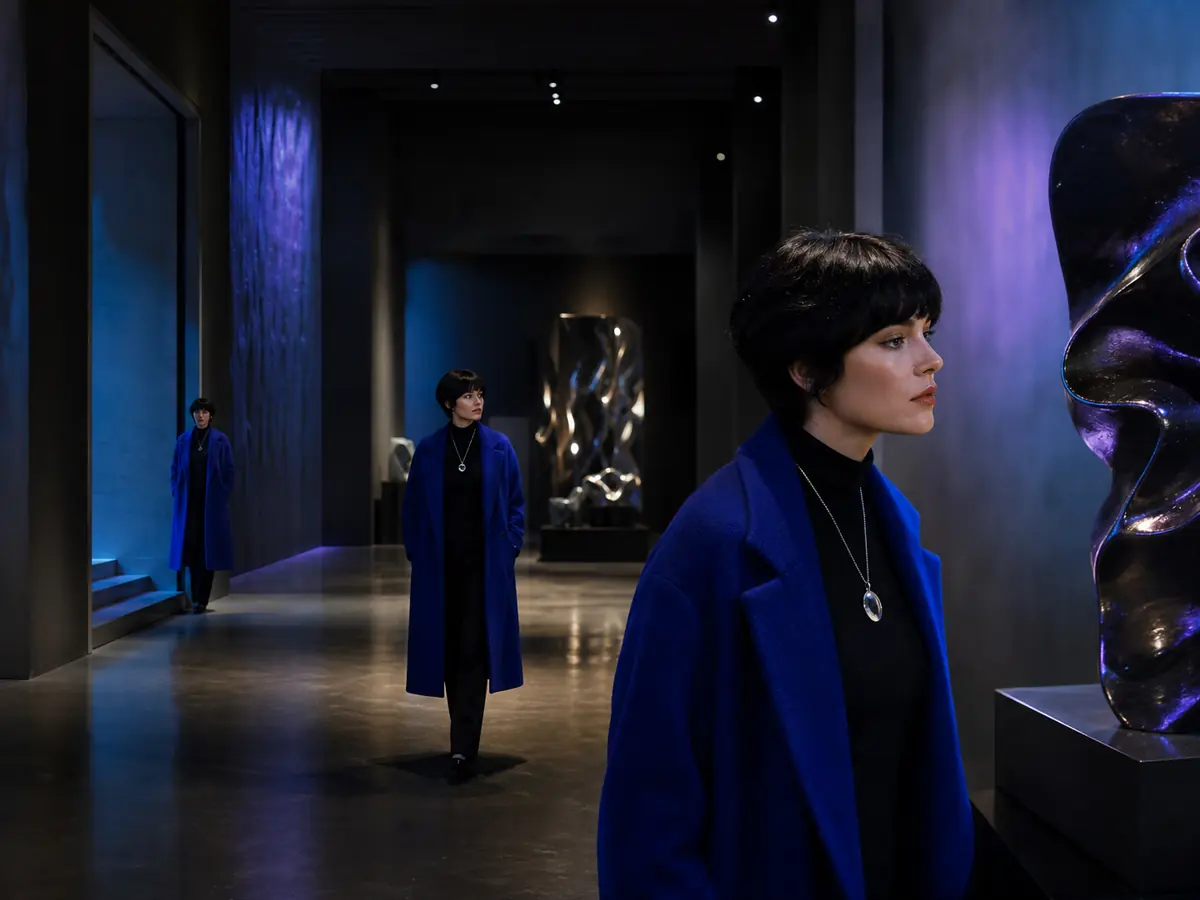
Continuity Across Longer Scenes
Use focused references to help keep characters, products, wardrobe, lighting, and locations consistent as the scene develops.
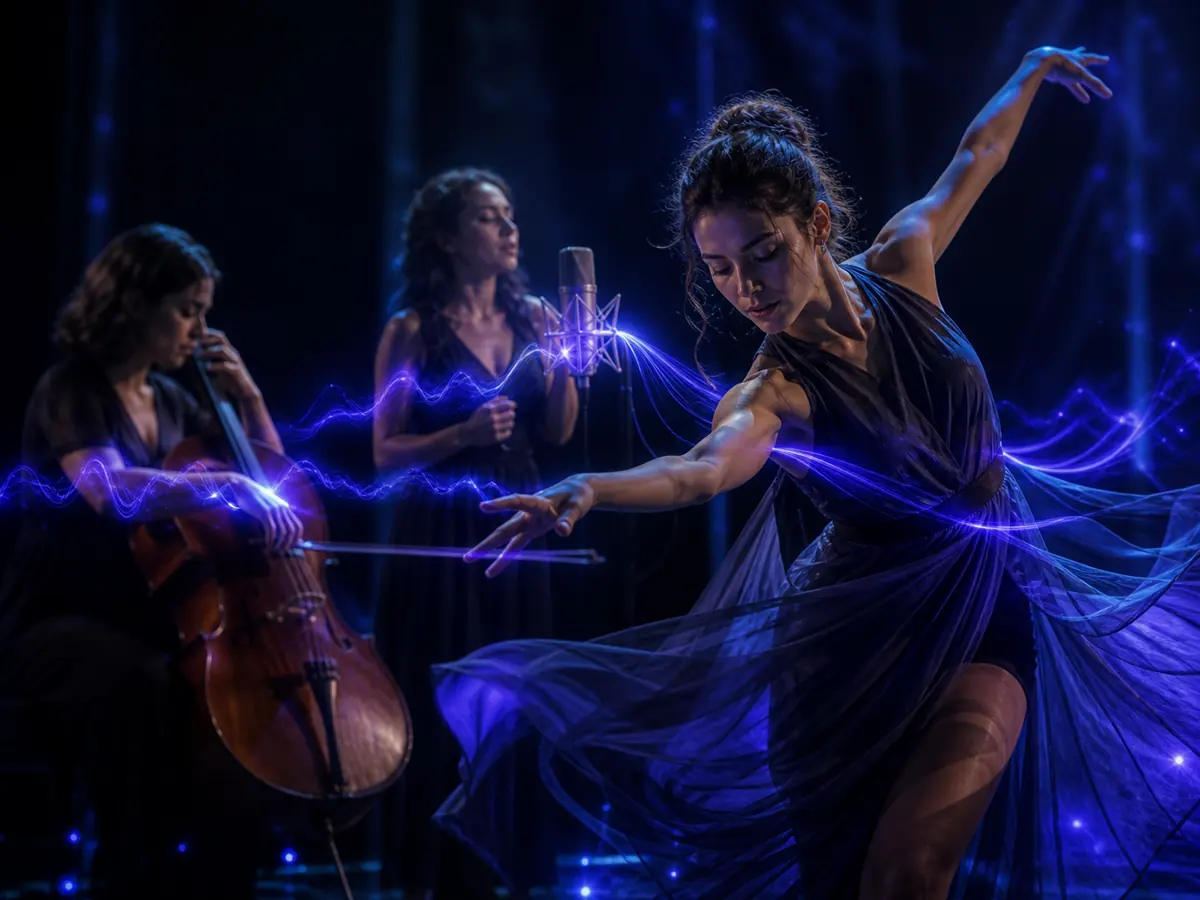
Video & Audio in One Sequence
Plan dialogue, ambience, music, and sound effects alongside the actions shown on screen.
Creation Modes
Choose Your Seedance 2.5
Creation Mode
Choose the mode that matches your input: a prompt, one image, opening and ending images, or a set of reference files.
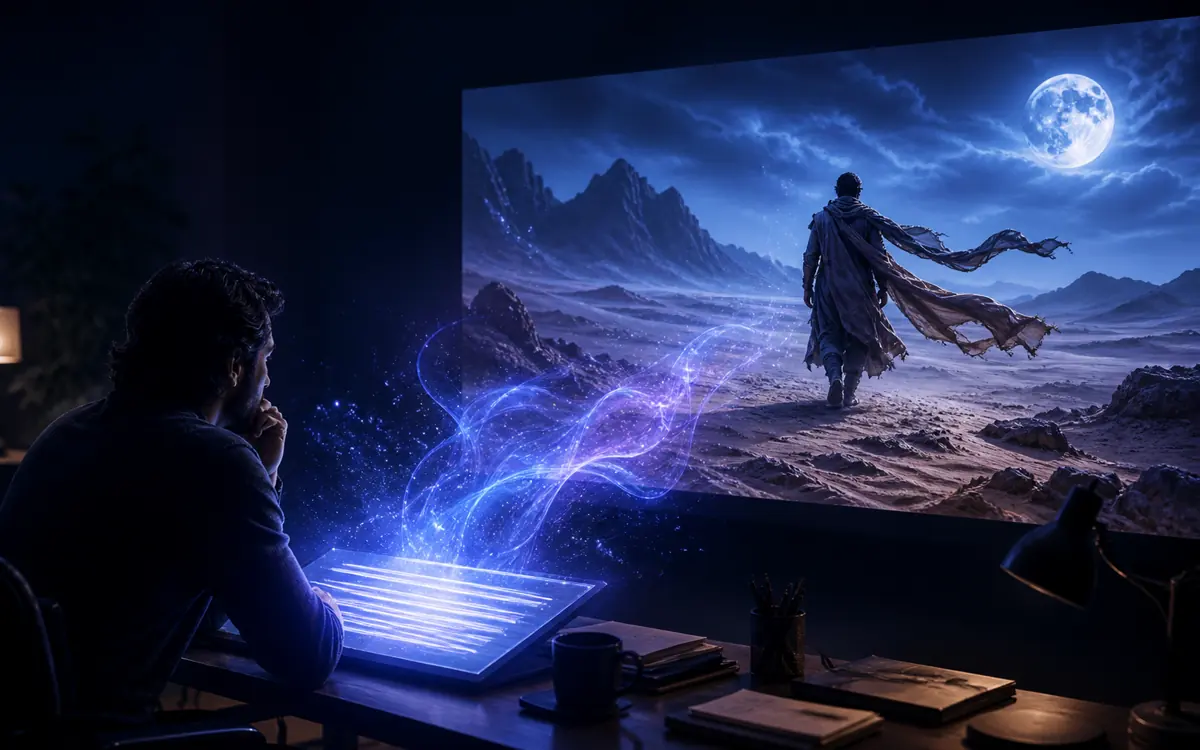
Text to Video
Start with a prompt when you have an idea but no source media. Describe the subject, action, camera, look, and sound.
Create From Text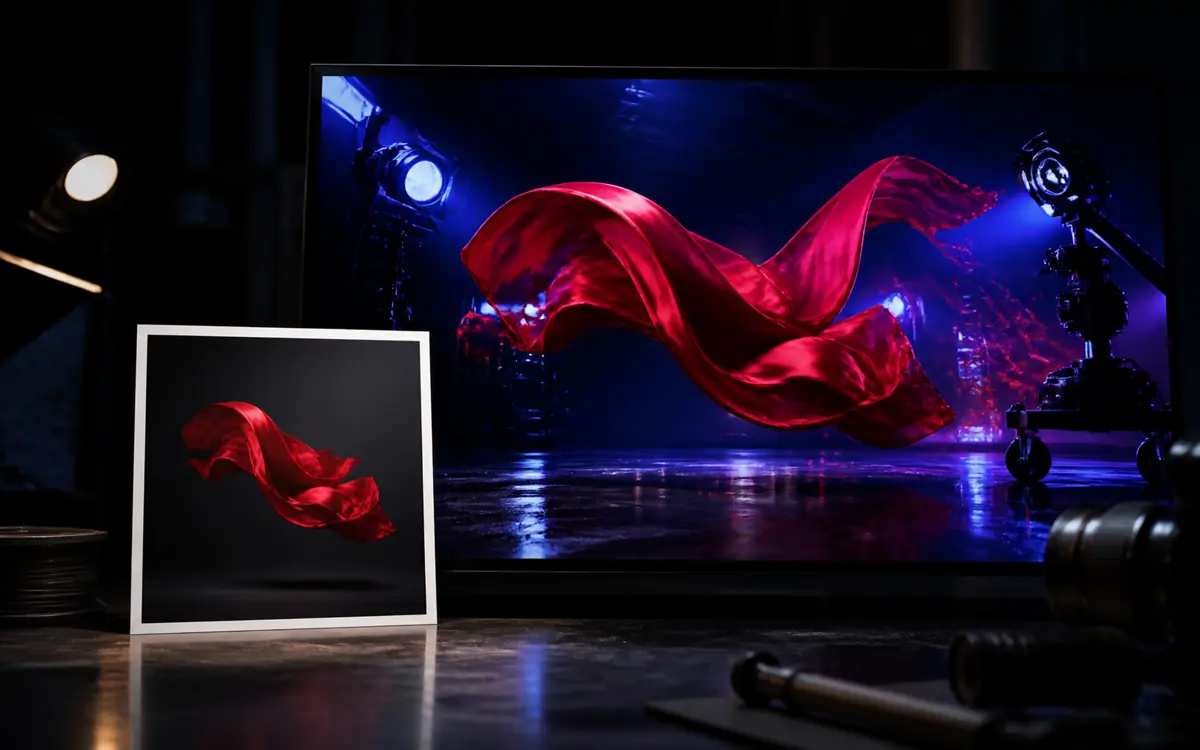
Image to Video
Start with one image to guide the subject or opening shot. Use your prompt to control motion, camera, and sound.
Animate an Image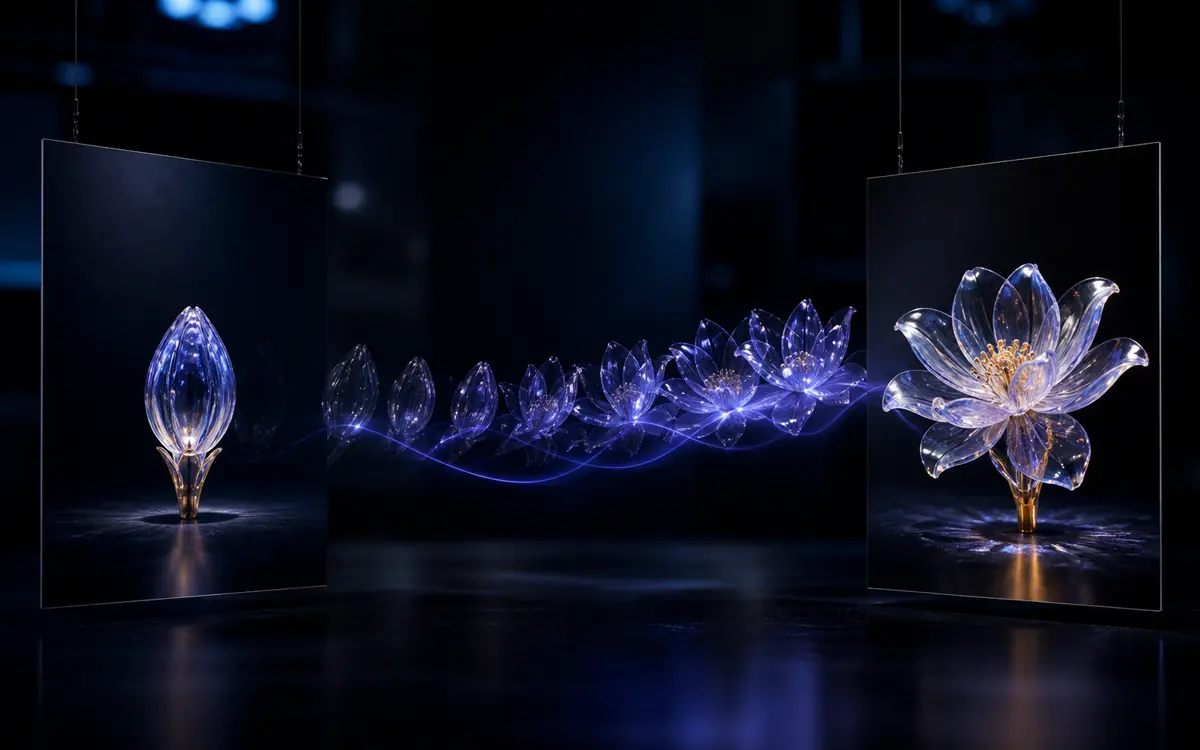
First & Last Frame
Upload an opening image and an ending image. Then describe how the video should move between them.
Connect Two Frames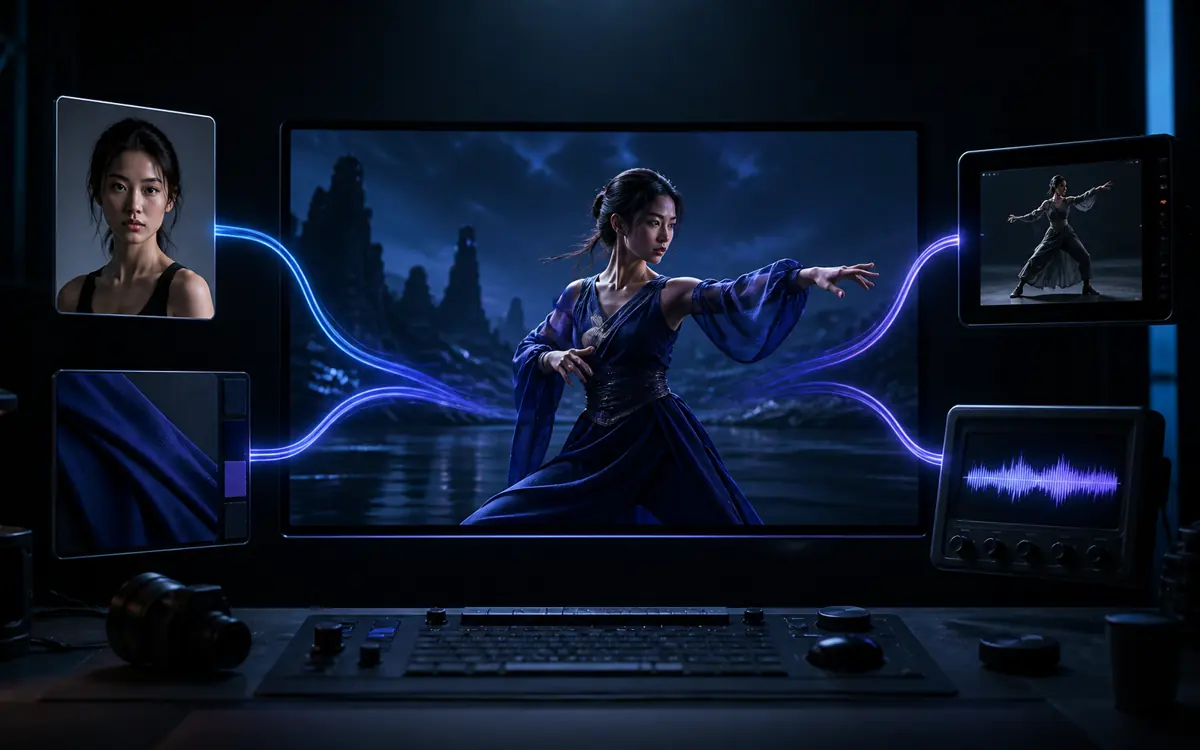
Reference to Video
Use image, video, and audio references when the result should follow existing media. Give each reference a clear role for identity, motion, style, or sound.
Create From ReferencesHow It Works
How to Use the
Seedance 2.5 AI Video Generator
Create a video in three steps. Choose a mode, add your prompt and references, review the settings, and generate.
1
Choose a Mode and Model
Choose a creation mode. Then select Seedance 2.5 from the model list.
2
Add Your Prompt and References
Write a clear prompt and upload any reference media. Then set the duration, aspect ratio, resolution, format, and audio option.
3
Generate and Download
Check the credit estimate and generate your video. Review the result, make any needed changes, and download the final video.
Tips
How to Get Better Results With Seedance 2.5
Use focused references, clear scene timing, and simple camera directions to keep the result closer to your brief.
Reference Control
Give Every Input a Clear Role
Use only the inputs that help explain the result. State what each image, video or audio reference should control.
PromptSet the action order, camera direction, sound, and final frame.
ImagesDefine a character, product, location, composition or visual style.
VideoGuide body movement, object motion, camera movement or pacing.
AudioGuide dialogue, musical rhythm, sound cues or atmosphere.
Scene Timing
Plan a 30-Second Scene in Four Beats
Divide a longer prompt into simple time ranges. Give each range one main action and one camera direction. Use this timing as a flexible starting point.
0–5s
Establish the subject, location, framing, and opening movement.
5–15s
Develop the main action and describe how the camera follows it.
15–25s
Introduce the turn, reveal, interaction, or strongest visual moment.
25–30s
Resolve the action and hold the product, character, or final frame clearly.
Keep Directions Focused. Avoid unrelated references or several camera moves in one beat. If the result drifts, simplify one part of the prompt and test again. For a complete workflow, read the 30-second Seedance 2.5 tutorial.
Use Cases
What Can You Create
With Seedance 2.5?
Use it to create product ads, short stories, music-led social videos, and film previsualizations.
Create a Polished Product Ad
Comparison
Why Choose Seedance 2.5 Over Previous Seedance Models?
Choose it for videos up to 30 seconds and workflows that need more references. Compare duration, creation modes, and resolution across the models available on FluxArt.
| Compare | Best for 30sSeedance 2.5 | Seedance 2.0 | Seedance 2.0 Mini | Seedance 1.5 Pro |
|---|---|---|---|---|
| Best For | 30-second scenes & reference-led workflows | Shorter multimodal videos in up to 1080p | Lower-cost multimodal creation | Text- or image-led clips |
| Maximum Duration | 4–30 seconds | 4–15 seconds | 4–15 seconds | Up to 12 seconds |
| Creation Modes | Text, image, first & last frame, reference & video | Text, image, reference & video | Text, image, reference & video | Text & image |
| Reference Media | Up to 30 images, 3 videos & 3 audio files | Images, video & audio | Images, video & audio | Up to 2 images |
| First & Last Frame | Available | Not available | Not available | Not available |
| Generated Audio | Optional | Optional | Optional | Optional |
| Maximum Resolution | 720p · 1080p Coming Soon | 1080p | 720p | 1080p |
This table shows options currently available on FluxArt. Settings may vary by creation mode.
Specifications
Seedance 2.5 Specifications & Limits
Check the output settings and reference limits currently available on FluxArt before you generate.
Video duration
4–30 seconds, in whole seconds
Resolution
480p or 720p · 1080p Coming Soon
Aspect ratios
16:9, 4:3, 1:1, 3:4, 9:16, 21:9, or Adaptive
Output format
MP4 or MOV
First & last frame
1 opening image & 1 ending image
Reference images
Up to 30 in Multi-Reference mode
Reference videos
Up to 3 · 30 seconds total · 10MB each
Reference audio
Up to 3 · 30 seconds total · 15MB each
Generated audio
Optional
Simple, Transparent Pricing
Choose a plan with more video credits, private gallery control, and faster creative workflows.
FAQ
Seedance 2.5 AI Video Generator FAQ
Get clear answers about video length, resolution, creation modes, reference limits, audio, prompts, credits, and commercial use.
1How Long Can a Seedance 2.5 Video Be?
FluxArt supports any whole-second duration from 4 to 30 seconds. For a longer video, describe the order and timing of each action so the scene has a clear beginning, progression, and ending.
2What Resolution Does Seedance 2.5 Support on FluxArt?
FluxArt currently supports 480p and 720p output. 1080p is coming soon, but 4K is not currently selectable. If you need a higher-resolution final video, generate it first and then use Video Upscale.
3Which Creation Mode Should I Use?
Choose Text to Video when you only have a prompt. Use Image to Video to animate one starting image. Choose First & Last Frame to control how a scene begins and ends. Use Reference to Video for identity, style, motion, or audio guidance. Choose Video to Video when you want to transform existing footage.
4Does Seedance 2.5 Generate Audio?
FluxArt offers optional AI-generated audio for Seedance 2.5. Describe the dialogue, ambience, music, or sound effects you want. You can also upload audio references in Reference to Video mode to guide rhythm, timing, or sound.
5How Many Reference Files Can I Upload?
Reference to Video supports up to 30 images, 3 videos, and 3 audio files. Reference videos can total up to 30 seconds and 10MB per file. Reference audio can total up to 30 seconds and 15MB per file. The fields shown depend on the selected mode.
6How Do I Keep a Character or Product Consistent?
Use clear reference images that show the subject without obstruction. State which reference defines the face, outfit, product, or visual style. Repeat the details that must stay the same, and avoid references with conflicting shapes, colors, faces, or styles.
7How Much Does Video Generation Cost?
The credit cost depends on the duration, resolution, and creation mode. Workflows with video input may also include the source video duration in the estimate. FluxArt shows the exact cost before you generate.
8How Should I Write a Prompt?
Describe the subject, setting, action, camera, lighting, visual style, timing, and sound in that order. For a longer scene, divide the action into clear time ranges. If you upload several references, explain the role of each one.
9What Happens If a Generation Fails?
FluxArt holds the estimated credits while your video is generating. If the task fails because of a system or model service error, those credits are returned to your account. Credits are not refunded when a completed video does not match your creative preferences.
10Can I Use Generated Videos Commercially?
You may use a generated video commercially if you hold the necessary rights to all source material. This includes prompts, reference media, people, voices, music, and trademarks. Review the FluxArt Terms of Service and check the final video before publishing it in an ad, campaign, or paid product.
Last updated: August 12, 2026. Reviewed against the settings currently available on FluxArt.
More Models
Explore More Leading AI Video Models
Compare more powerful AI video models and find the right fit for your creative workflow.
Model Tutorials
Go Deeper With Practical Model Tutorials
Learn how to plan longer Seedance 2.5 videos and control MiniMax H3 dialogue, native audio, references, and review steps before you generate.
Practical Guide
Seedance 2.5 Tutorial: Create Consistent 30-Second Videos
Plan timed beats, assign reference roles, choose the right duration, and review each scene for drift before spending more credits.
Read Tutorial
Practical Guide
MiniMax H3 Tutorial: Control Dialogue and Native Audio
Write clearer audio prompts with speaker labels, short lines, ambience, sound effects, music rules, and fixes for unwanted speech.
Read TutorialMore Tools
Explore More AI Video Tools
Open the AI video tool that matches the input you already have.
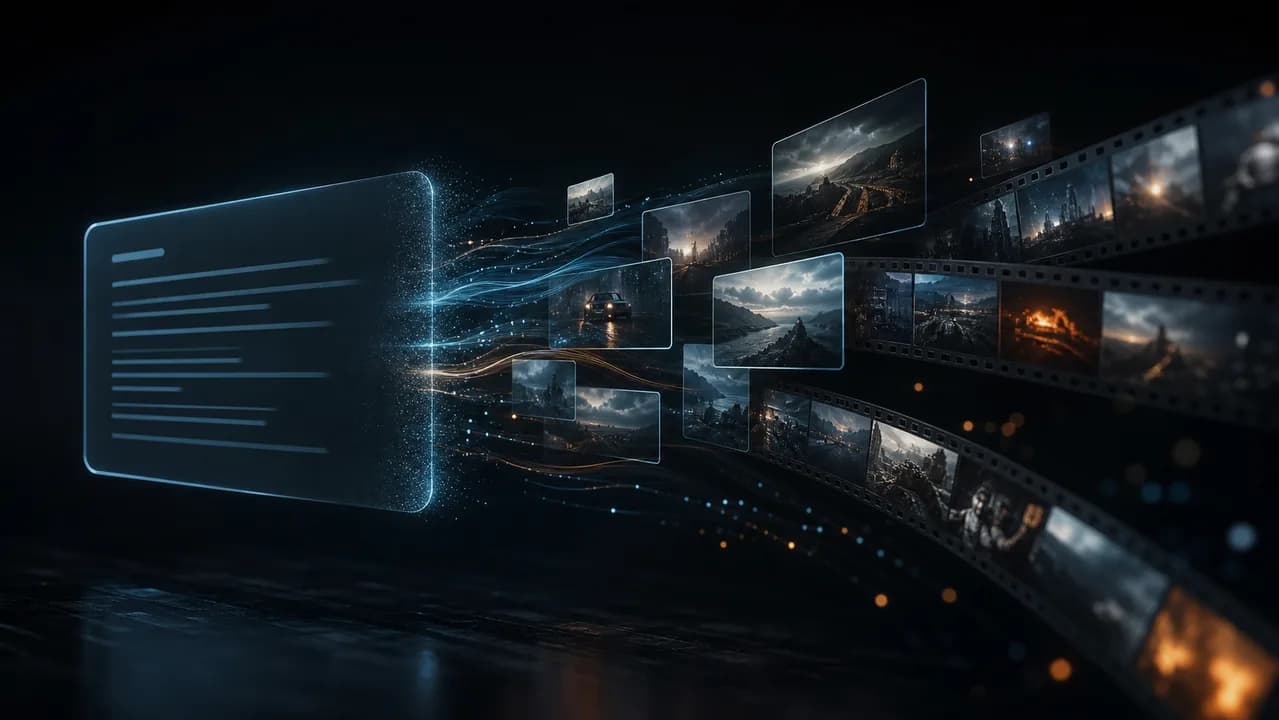
Text to Video
Generate an original AI video from a written scene, action, camera direction, and visual style.
Create From Text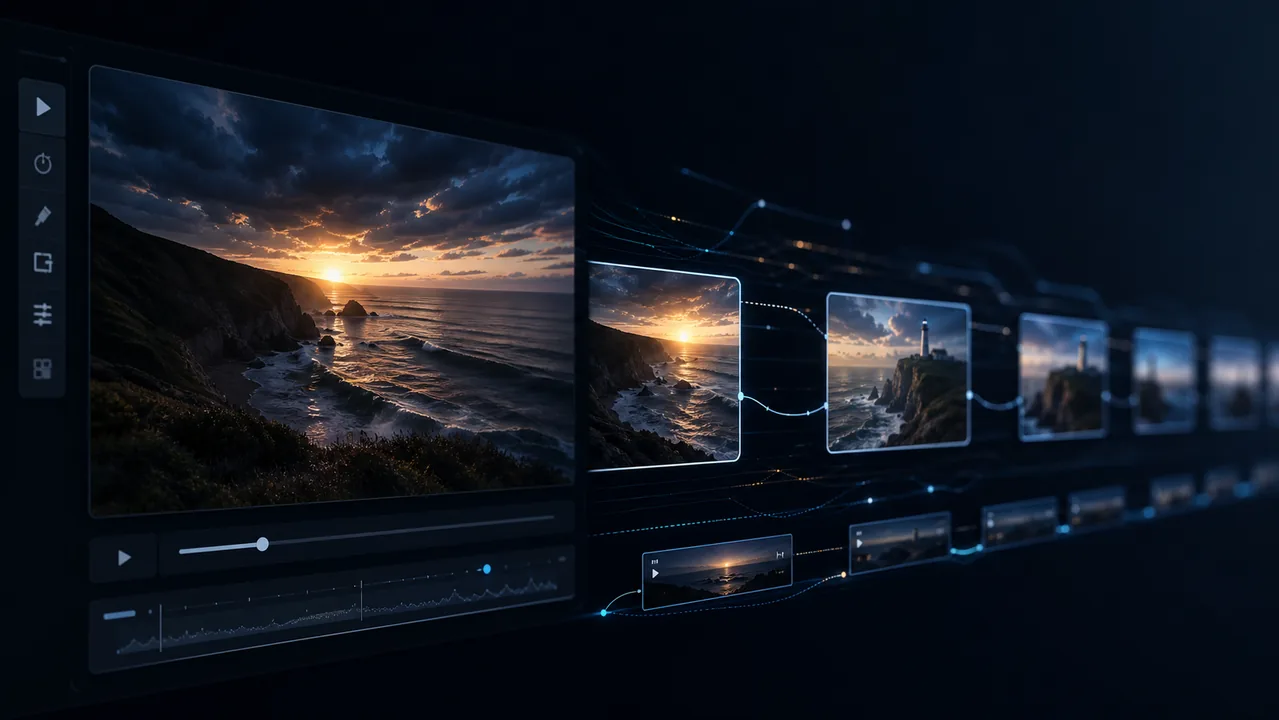
Image to Video
Animate a photo, illustration, character, or product image with controlled motion and camera direction.
Animate an Image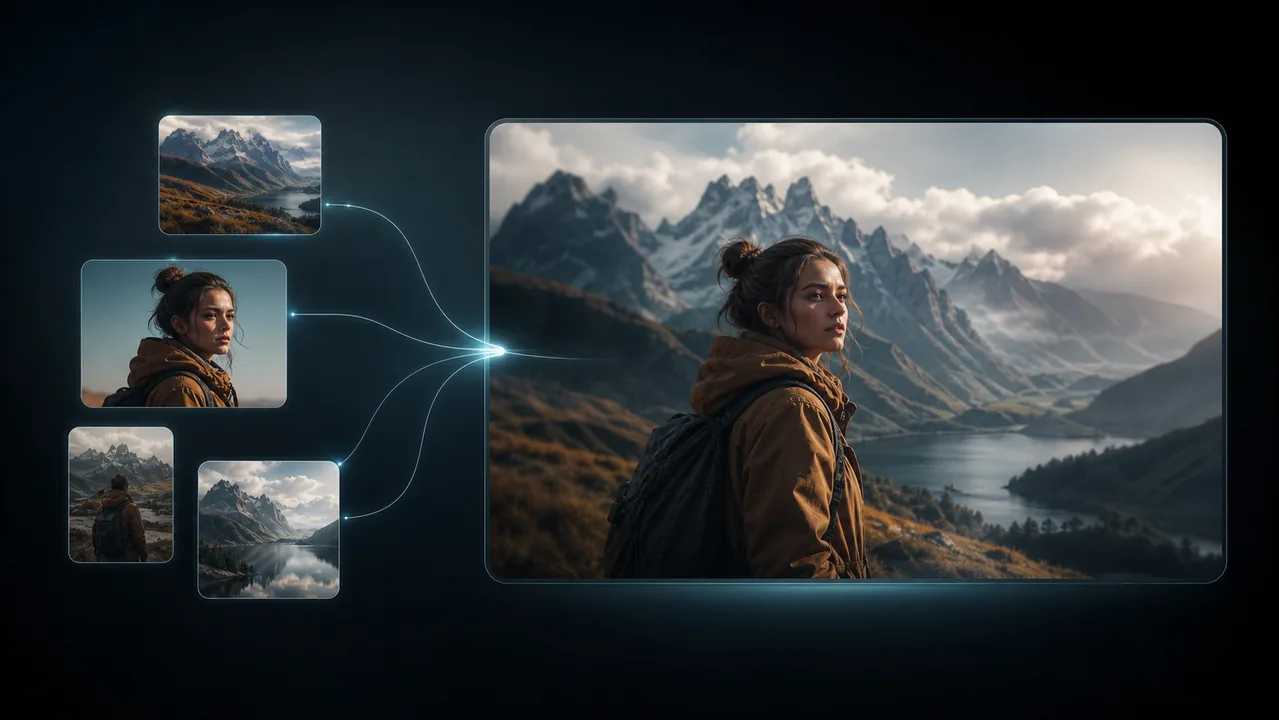
Reference to Video
Guide characters, products, motion, style, and sound with multiple reference assets.
Create From References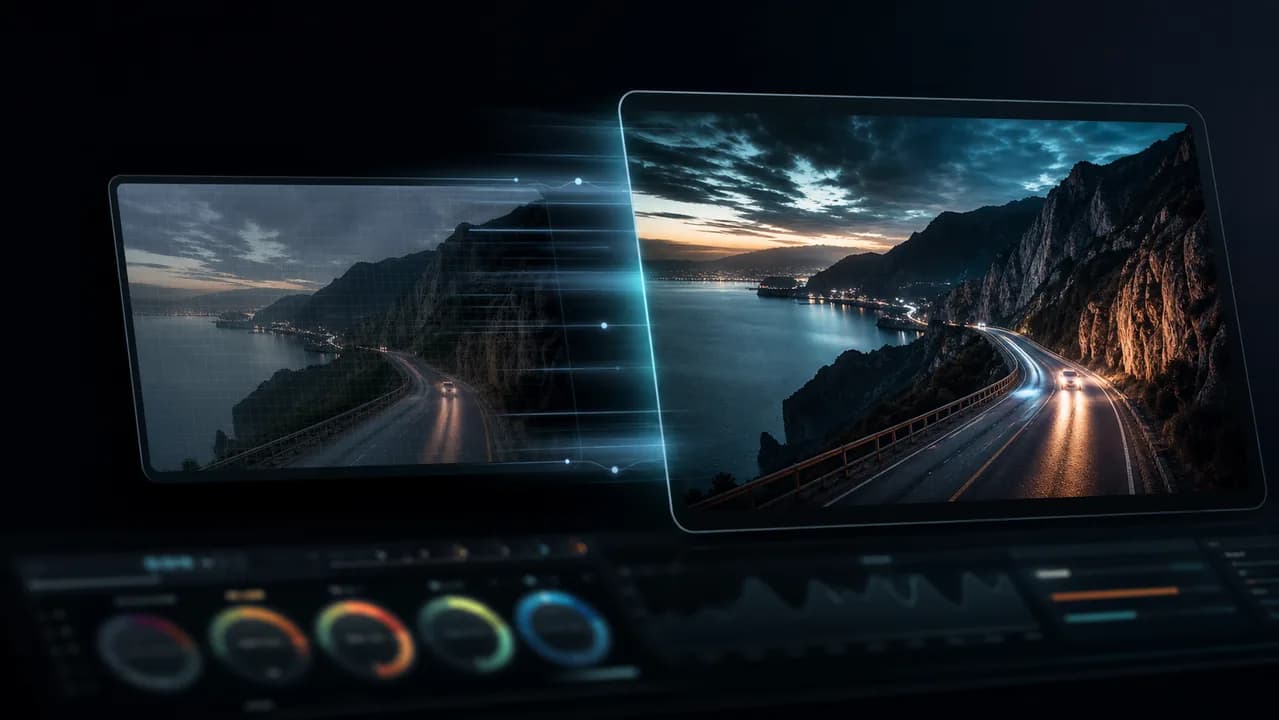
Video to Video
Use existing footage to guide movement and timing while changing the visual direction.
Transform a Video
Bring Your Vision to Life With Seedance 2.5
Start with text, an image, or reference media. Create a 4–30 second video with optional audio, and see the exact credit cost before you generate.